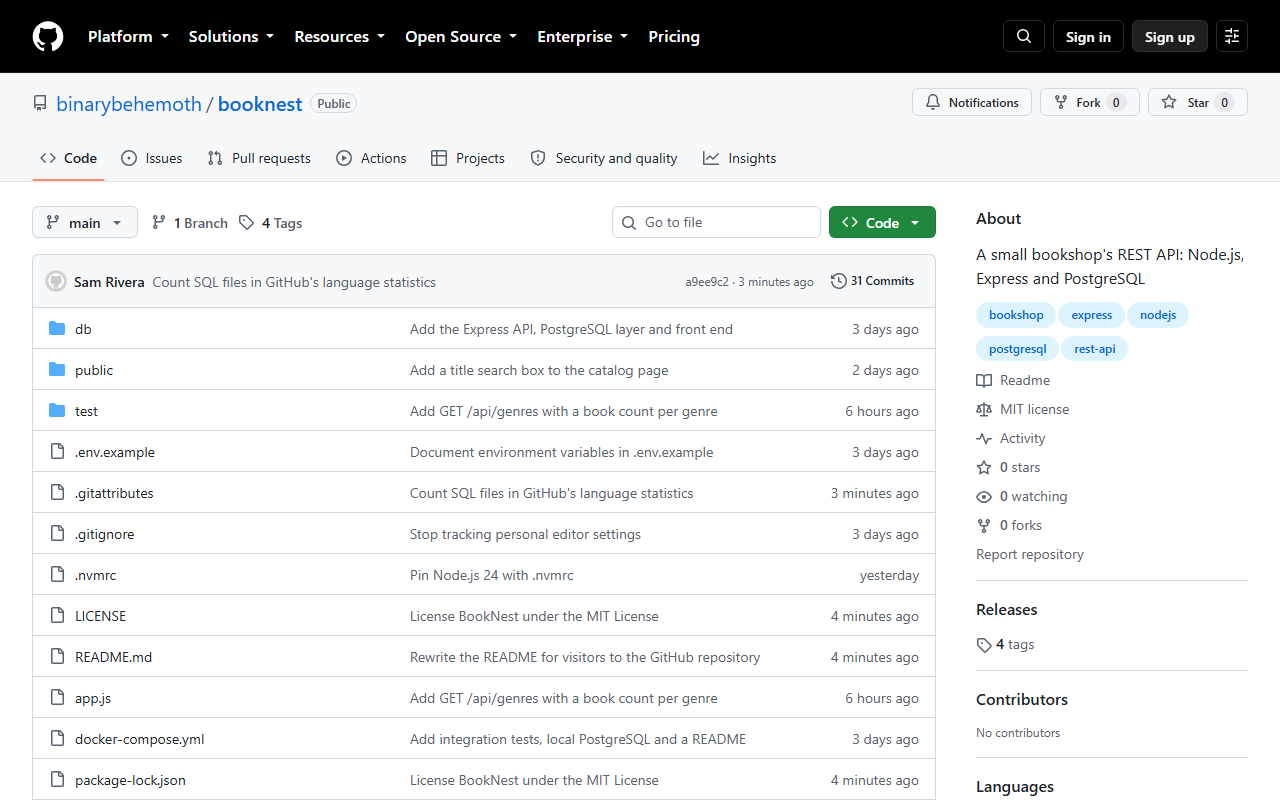
A repository is public (anyone can read it, and Actions minutes are free), private (only people you grant access), or, in Enterprise organizations, internal (readable by the whole enterprise). Going private later erases stars and watchers, so decide up front. BookNest is public, and since it has its files already, it starts empty and receives the existing history:
gh repo create booknest --public --source . --remote origin \
  --description "A small bookshop's REST API: Node.js, Express and PostgreSQL" --push
git push origin --tags
gh repo view --json visibility,defaultBranchRef,isTemplatehttps://github.com/binarybehemoth/booknest
To https://github.com/binarybehemoth/booknest.git
* [new branch] HEAD -> main
branch 'main' set up to track 'origin/main'.
To https://github.com/binarybehemoth/booknest.git
* [new tag] v0.9.0 -> v0.9.0
...
{"defaultBranchRef":{"name":"main"},"isTemplate":false,"visibility":"PUBLIC"}--source . turns the current directory into the new repository and --push pushes the current branch, which becomes the default branch: the one visitors see, pull requests target and git clone checks out. GitHub 29 names it main on new repositories (since October 2020). Point it elsewhere with gh 29 repo edit --default-branch NAME; renaming the branch instead retargets open pull requests and redirects web links.