Here is the Taskly landing page of Project: Landing and Admin rebuilt in Tailwind CSS 4.3 5,202 , again with no hand-written CSS and in the same two parts, so you can compare them line by line. Each part loads the browser build to render on its own; in production you would compile one stylesheet (Installation Options).
<script src="https://cdn.jsdelivr.net/npm/@tailwindcss/browser@4.3.3"></script>
<nav class="sticky top-0 z-10 border-b border-slate-200 bg-slate-50">
<div class="mx-auto flex max-w-5xl flex-wrap items-center px-4 py-2">
<a class="mr-auto text-xl font-bold" href="#">Taskly</a>
<button class="rounded-md border border-slate-300 px-3 py-1 text-xl sm:hidden" type="button"
aria-controls="mainNav" aria-expanded="false" aria-label="Toggle navigation"
onclick="this.ariaExpanded = !mainNav.classList.toggle('hidden')">☰</button>
<div id="mainNav" class="hidden w-full sm:flex sm:w-auto sm:items-center">
<a class="block px-2 py-2 text-slate-600 hover:text-slate-900" href="#features">Features</a>
<a class="block px-2 py-2 text-slate-600 hover:text-slate-900" href="#pricing">Pricing</a>
<a class="inline-block rounded-md bg-blue-600 px-3 py-1.5 text-white hover:bg-blue-700
sm:ml-3" href="#pricing">Start free</a>
</div>
</div>
</nav>
<header class="mx-auto max-w-5xl px-4 py-12 text-center">
<span class="rounded-full bg-blue-600 px-2.5 py-1 text-xs font-bold text-white">
New: team calendars</span>
<h1 class="mt-4 text-4xl font-bold sm:text-5xl">Plan less. Ship more.</h1>
<p class="mt-4 text-xl text-slate-500">Tasks, deadlines and discussions on one board.</p>
<div class="mt-6 grid gap-2 text-lg sm:flex sm:justify-center">
<a class="rounded-lg bg-blue-600 px-6 py-2 text-white hover:bg-blue-700"
href="#pricing">Try it free</a>
<a class="rounded-lg border border-slate-500 px-6 py-2 text-slate-600 hover:bg-slate-100"
href="#features">See features</a>
</div>
</header>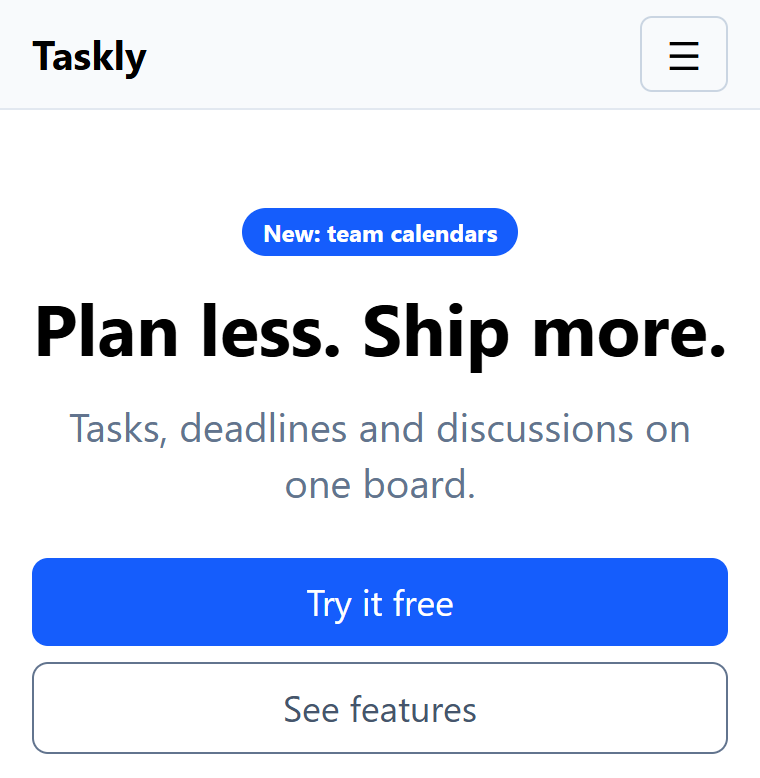
<script src="https://cdn.jsdelivr.net/npm/@tailwindcss/browser@4.3.3"></script>
<section id="features" class="bg-slate-50 py-12">
<div class="mx-auto max-w-5xl px-4">
<h2 class="mb-6 text-center text-3xl font-medium">Why teams switch</h2>
<div class="grid gap-6 fill-blue-600 sm:grid-cols-3 [&_svg]:size-8
[&_h3]:mt-2 [&_h3]:text-xl [&_h3]:font-medium [&_p]:text-slate-500">
<div><svg viewBox="0 0 24 24"><path d="M3 3h5v18H3zm7 0h5v12h-5zm7 0h4v8h-4z"/></svg>
<h3>Boards and lists</h3><p>Drag tasks through stages and see who owns each one.</p></div>
<div><svg viewBox="0 0 24 24"><path d="M13 2 4 14h7l-1 8 9-12h-7z"/></svg>
<h3>Automations</h3><p>Move, assign and remind without writing a script.</p></div>
<div><svg viewBox="0 0 24 24"><path d="M3 20h4v-7H3zm7 0h4V9h-4zm7 0h4V4h-4z"/></svg>
<h3>Reports</h3><p>Spot late work early with weekly burn-down charts.</p></div>
</div>
</div>
</section>
<section id="pricing" class="mx-auto max-w-5xl px-4 py-12">
<h2 class="mb-6 text-center text-3xl font-medium">Simple pricing</h2>
<div class="grid gap-6 text-center sm:grid-cols-3 [&_h3]:font-bold [&_h3]:uppercase">
<div class="flex flex-col gap-3 rounded-lg border border-slate-200 p-4">
<h3 class="text-slate-500">Free</h3>
<p class="text-4xl font-bold">$0</p>
<p>3 projects, 2 members</p>
<a class="rounded-md border border-blue-600 py-1.5 text-blue-600 hover:bg-blue-50"
href="#">Sign up</a>
</div>
<div class="flex flex-col gap-3 rounded-lg border border-blue-600 p-4 shadow-lg">
<h3 class="text-blue-600">Pro
<span class="rounded-md bg-blue-600 px-1.5 py-0.5 text-xs text-white">Popular</span></h3>
<p class="text-4xl font-bold">$9</p>
<p>Unlimited projects</p>
<a class="rounded-md bg-blue-600 py-1.5 text-white hover:bg-blue-700" href="#">Start trial</a>
</div>
<div class="flex flex-col gap-3 rounded-lg border border-slate-200 p-4">
<h3 class="text-slate-500">Business</h3>
<p class="text-4xl font-bold">$19</p>
<p>SSO and audit log</p>
<a class="rounded-md border border-blue-600 py-1.5 text-blue-600 hover:bg-blue-50"
href="#">Contact sales</a>
</div>
</div>
</section>
<footer class="border-t border-slate-200 py-3">
<div class="mx-auto flex max-w-5xl flex-wrap justify-between px-4 text-sm text-slate-500">
<span>© 2026 Taskly, Inc.</span><a class="hover:underline" href="#">Privacy and terms</a>
</div>
</footer>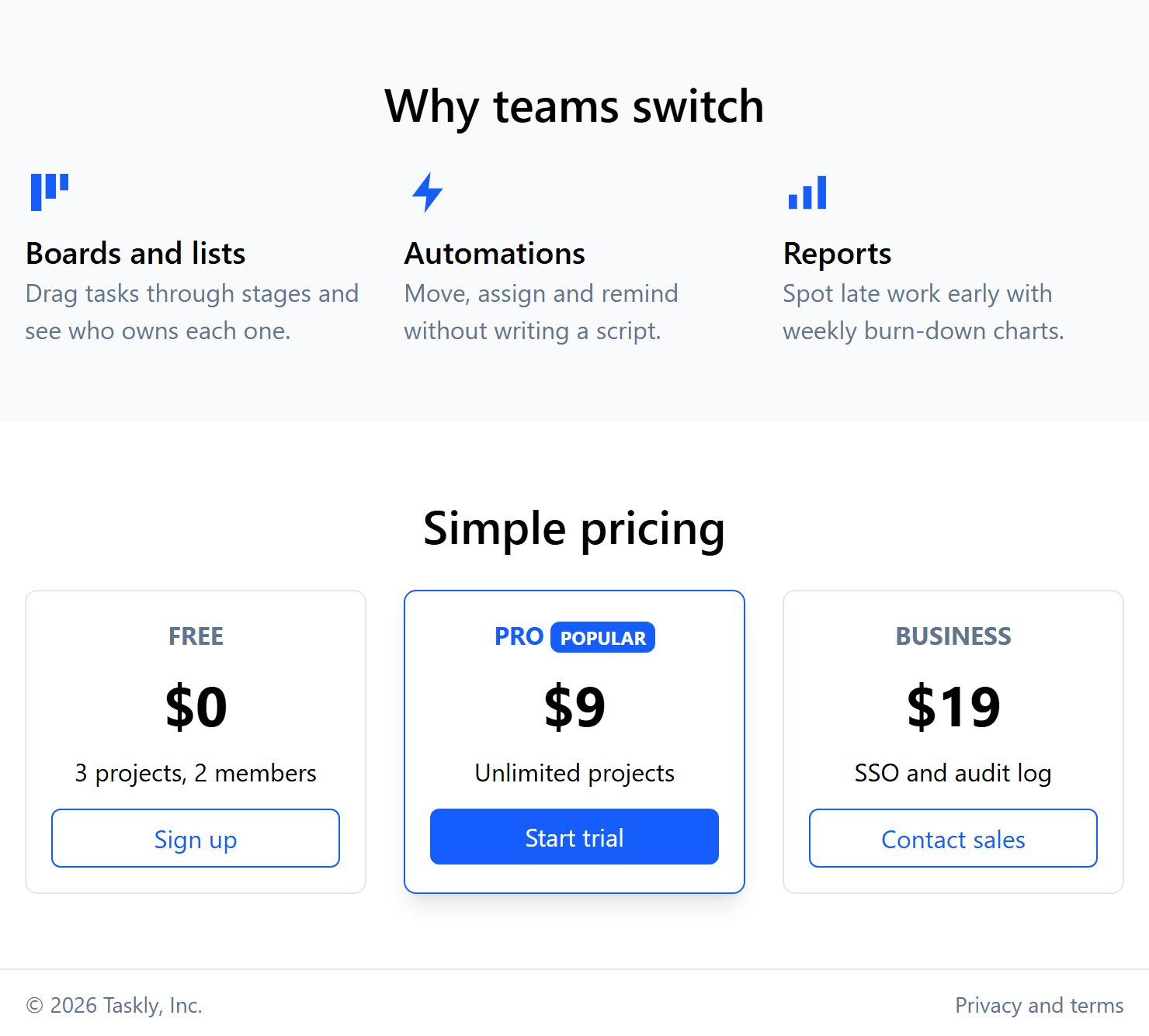
On a phone the links hide behind the menu button and the hero buttons stack; from 640 pixels the features and prices sit three abreast. The translation is mostly mechanical, with four real differences:
Breakpoints and containers. Tailwind's sm starts at 640 pixels, not Bootstrap 2,007 's 576, and mx-auto max-w-5xl px-4 (at most 1,024 pixels) replaces .container-lg.
Components become class lists. btn btn-primary btn-lg turns into six utilities, and card card-body into rounded-lg border border-slate-200 p-4. Grid items stretch to equal height by default, so h-100 has no counterpart.
Styling from the parent. [&_h3]:text-xl on the features grid sizes all three headings at once. Use such arbitrary variants sparingly: they hide styles from the elements they affect.
Behavior is yours. There is no JavaScript bundle: the menu button's one-line onclick toggles hidden and updates aria-expanded. In an app, use a Headless UI 663,593 Disclosure (Plugins and Ecosystem) and make the pricing card a component (Tailwind with Frameworks) so its classes exist once. Dark mode needs dark: colors (Dark Mode).
| Measure | Bootstrap 5.3.8 | Tailwind CSS 4.3.3 |
|---|---|---|
| Stylesheet | 232 kB (30.8 kB gzipped); 15.5 kB (3.6 kB) after PurgeCSS 955,901 | 11.3 kB (3.1 kB gzipped) |
| Other downloads | 80.5 kB JS bundle, 87 kB icon CSS, 134 kB font | None (inline SVG icons) |
| Classes in markup | 132 (65 distinct), 3.5 kB of HTML | 182 (82 distinct), 4.0 kB of HTML |
| Learning curve | Component names and options | CSS properties and the design scale |
| Changing the look | Sass 22,539 variables or CSS overrides | @theme tokens (Theme Variables) |
The Tailwind stylesheet holds Preflight, the theme variables in use and the 82 utilities, so it grows with the variety of your design, not the number of pages. Bootstrap needs a purge step to come close. Its advantage is day one: navbar and modal arrive finished and accessible. Choose Bootstrap for admin tools whose default look is acceptable, and Tailwind for a custom design, especially in a component framework (Front-End Frameworks); Frameworks Compared compares the wider field.