The Elements panel shows the live DOM, not your HTML file: after scripts run and the parser repairs mistakes, the tree you see is what the browser lays out. Select a node in the tree or with the picker (Ctrl+Shift+C); in the Console it becomes $0. The sidebar then describes it: Styles (matching rules in cascade order), Computed (final values and the box model), Layout (grid and flex overlays) and Event Listeners (handlers, with links to their source).
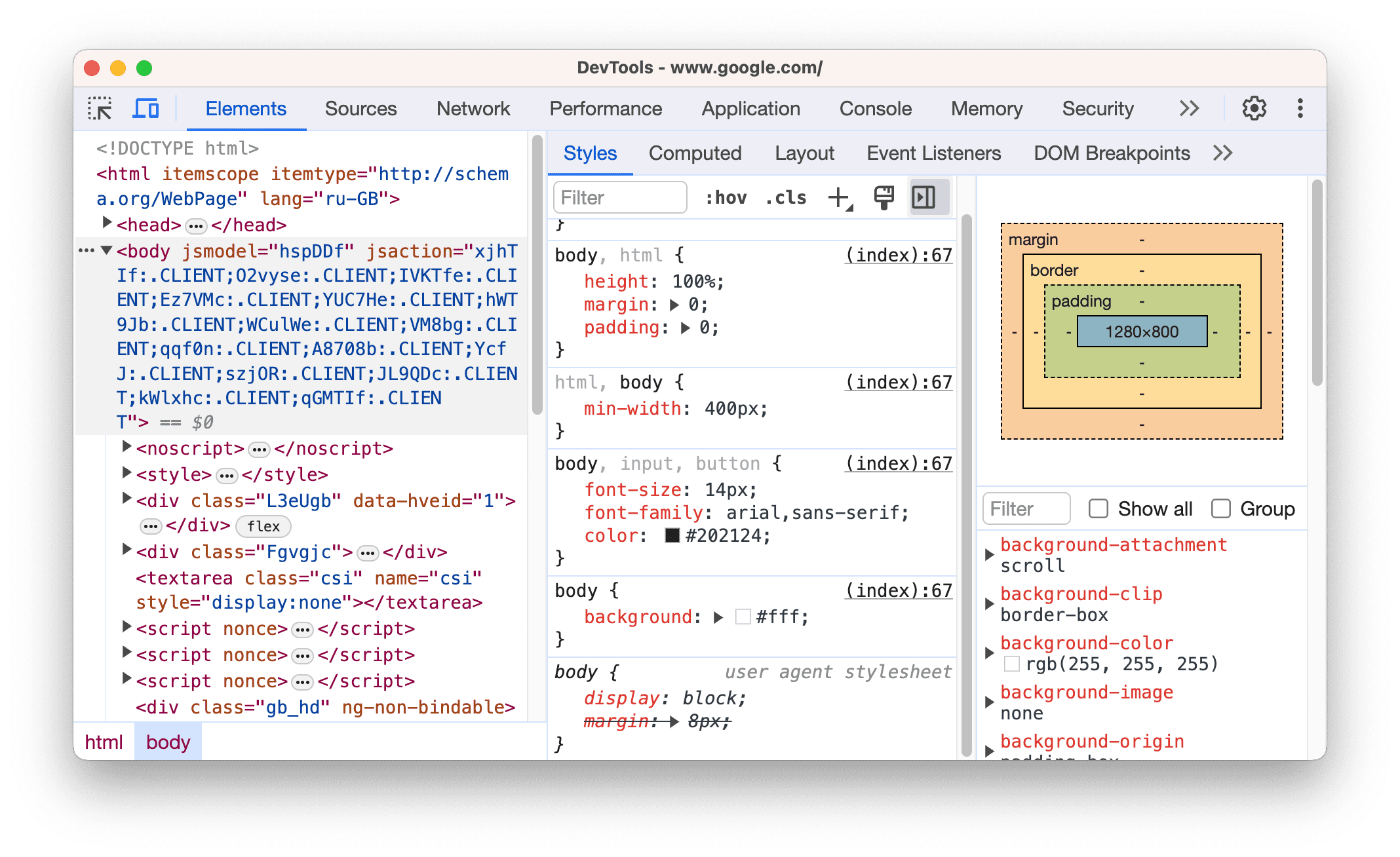
Styles lists matching rules, highest priority first, with their file and line. Declarations that lose the cascade are struck through, invalid ones also get a warning icon, and valid declarations with no effect are pale with an explanatory info icon. :hov forces :hover and :focus, and hovering a selector shows its specificity. The button below should be blue, white and centered, but renders grey, black and left-aligned.
<!doctype html>
<html lang="en">
<head>
<style>
  body { font: 18px system-ui, sans-serif; }
  .btn-primary { background: #1565c0; colour: white; padding: 12px 24px; }
  #checkout button { background: #cfd8dc; }
  .actions { justify-content: center; margin-top: 2em; }
</style>
</head>
<body>
  <section id="checkout">
    <h2>Your cart</h2>
    <div class="actions"><button class="btn-primary">Pay now</button></div>
  </section>
</body>
</html>
Inspect the button and Styles reveals all three bugs without reading the stylesheet:
background: #1565c0 is struck through: #checkout button (specificity 1,0,1) beats .btn-primary (0,1,0).
colour: white carries a warning icon; it is not a CSS property, so the text stays black.
On .actions, justify-content: center is pale because the element is not a flex container. Type display: flex into the rule and the button centers.
Computed turns the authored margin-top: 2em into 36px, and getComputedStyle($0).backgroundColor in the Console returns the same rgb(207, 216, 220) it reports for the button.
DevTools edits affect only the open page; map a local folder with Workspace in the Sources panel to save them to disk. Firefox 555 's Inspector has the same inactive-CSS hints and an excellent Grid inspector.