A new controller is locked. On first start Jenkins 8,793 creates a temporary admin account, generates a random 32-hex-digit password, writes it to secrets/initialAdminPassword (mode 640, readable only by the jenkins user) and prints it in the log. Either source works; this book prints neither:
docker logs l2-jenkins 2>&1 | grep -A5 'initial setup is required'
docker exec l2-jenkins cat /var/jenkins_home/secrets/initialAdminPassword[LF]> Jenkins initial setup is required. An admin user has been created and a password generated. [LF]> Please use the following password to proceed to installation: [LF]> [LF]> <redacted: 32 hex digits> [LF]> [LF]> This may also be found at: /var/jenkins_home/secrets/initialAdminPassword <redacted: 32 hex digits>
Anyone who can read the container's logs can take over a controller that is still in this state, which is one more reason to publish port 8080 on 127.0.0.1 only. Opening http://localhost:32080/ shows the first page:
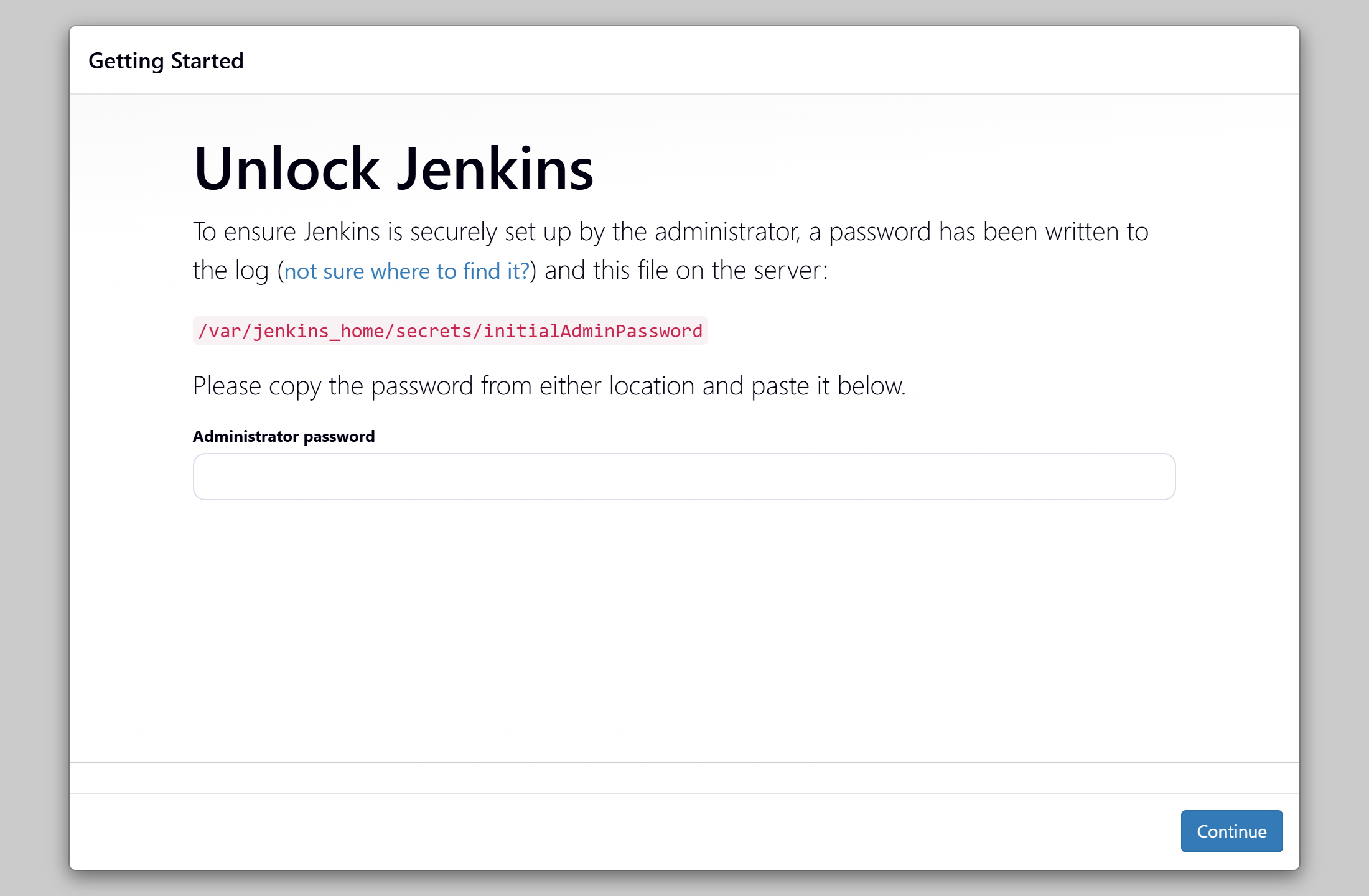
The wizard then walks through four more pages:
Customize Jenkins: Install suggested plugins (Pipeline, Git 1,932 , GitHub 29 Branch Source, Pipeline Graph View 163 , Credentials Binding and a dozen more) grew to 92 plugins with dependencies, installed in 2 minutes 56 seconds. Suggested Plugins compares it with choosing plugins yourself.
Create First Admin User replaces the temporary password. The new one lives in a secrets file outside the book; every script here authenticates with an API token read from $JENKINS_TOKEN.
Instance Configuration sets the Jenkins URL, http://localhost:32080/, used in links and BUILD_URL.
Jenkins is ready! opens the dashboard, with the built-in node's two executors that Controller-Agent Trust removes.
Afterward initialAdminPassword is deleted. To script all of this, skip the wizard with -Djenkins.install.runSetupWizard=false and configuration as code (Bootstrapping a Controller).