Android Studio 234 , built on JetBrains' IntelliJ IDEA 856 platform, is currently Android Studio Quail 4 (2026.1.4 Patch 1); Android Studio and Tools installed it. JetBrains makes both the platform and the language, so the Kotlin plugin ships inside the IDE and analyzes code with the same K2 compiler as your build, and Code > Convert Java File to Kotlin File migrates old Java. File > New > New Project > Empty Activity writes a Compose 234 app with the structure Project Anatomy takes apart: one app module, Kotlin DSL build files, a version catalog and a MainActivity that calls setContent.
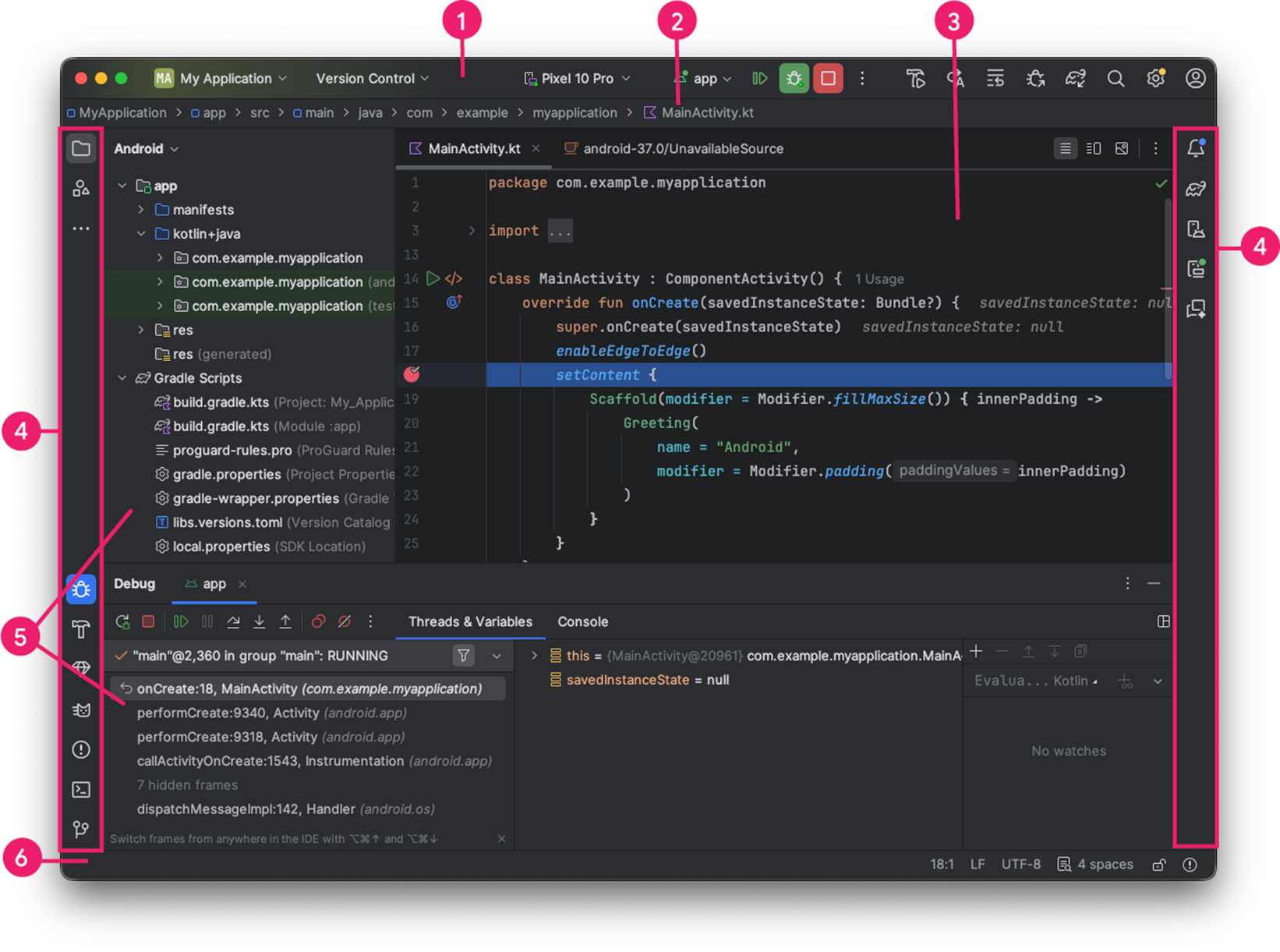
The Project window's Android view is logical: it merges src/main/java and src/main/kotlin into one kotlin+java node and gathers build files and local.properties (your SDK path, never committed) under Gradle 19,597 Scripts. Each IDE action maps to a Gradle task or SDK tool: Run is assembleDebug, an install and an am start, and Logcat is adb logcat, so this chapter works entirely from a terminal.