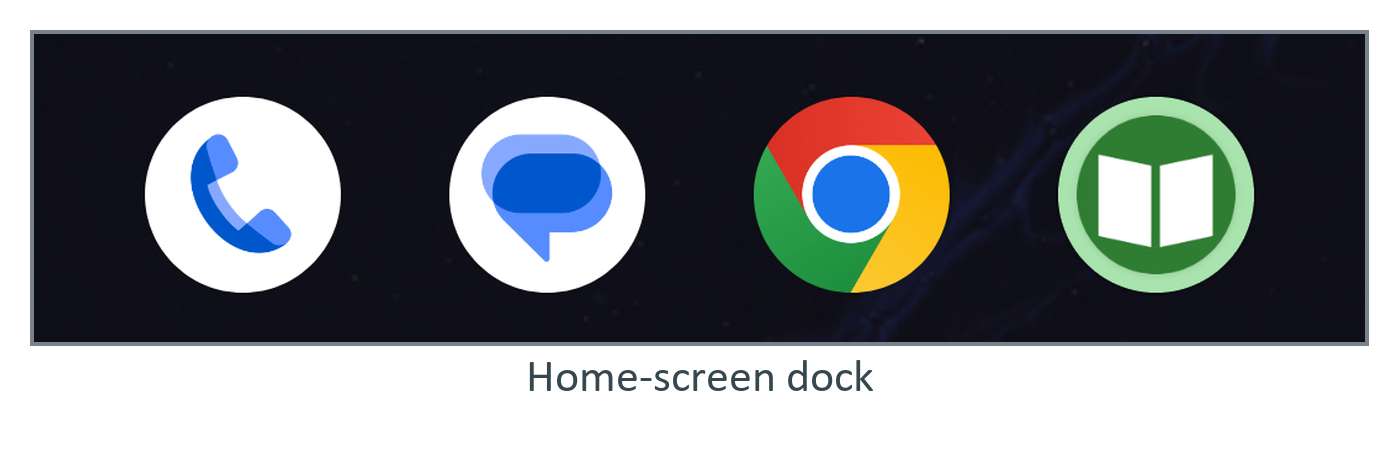
Sizes are in dp, where px = dp * dpi / 160: 48 dp is 126 px on this 420 dpi emulator. A PNG needs a copy per density bucket (mdpi to xxxhdpi); a vector serves all. Since Android 8.0 the launcher icon is adaptive: two 108 dp layers masked into the launcher's shape, the central 66 dp always visible, plus an optional monochrome layer for themed icons.
<adaptive-icon xmlns:android="http://schemas.android.com/apk/res/android">
  <background android:drawable="@color/ic_launcher_background" />
  <foreground android:drawable="@drawable/ic_launcher_foreground" />
  <monochrome android:drawable="@drawable/ic_launcher_foreground" />
</adaptive-icon>
With minSdk 26, no PNG fallbacks are needed (File > New > Image Asset makes them for older releases):
aapt2 dump badging app/build/outputs/apk/debug/app-debug.apk | grep -i iconOutput
application-icon-160:'res/mipmap-anydpi-v21/ic_launcher.xml'
...
application-icon-65534:'res/mipmap-anydpi-v21/ic_launcher.xml'
application: label='BookNest' icon='res/mipmap-anydpi-v21/ic_launcher.xml'
Keep text out of the icon; Google Play 1 also wants a separate 512 x 512 px store icon.