ImageCapture.takePicture() either delivers an in-memory ImageProxy or writes a JPEG to a file, URI or stream. BookNest writes to filesDir, which needs no storage permission:
fun takeListingPhoto(context: Context, capture: ImageCapture, onSaved: (File) -> Unit) {
  val file = File(context.filesDir, "listing-${System.currentTimeMillis()}.jpg")
  val options = ImageCapture.OutputFileOptions.Builder(file).build()
  val start = System.currentTimeMillis()
  capture.takePicture(options, ContextCompat.getMainExecutor(context),
    object : ImageCapture.OnImageSavedCallback {
      override fun onImageSaved(result: ImageCapture.OutputFileResults) {
        Log.d(TAG, "saved ${file.name}: ${file.length() / 1024} KB in " +
          "${System.currentTimeMillis() - start} ms")
        onSaved(file)
      }
      override fun onError(e: ImageCaptureException) {
        Log.e(TAG, "capture failed: ${e.imageCaptureError}", e)
      }
    })
}
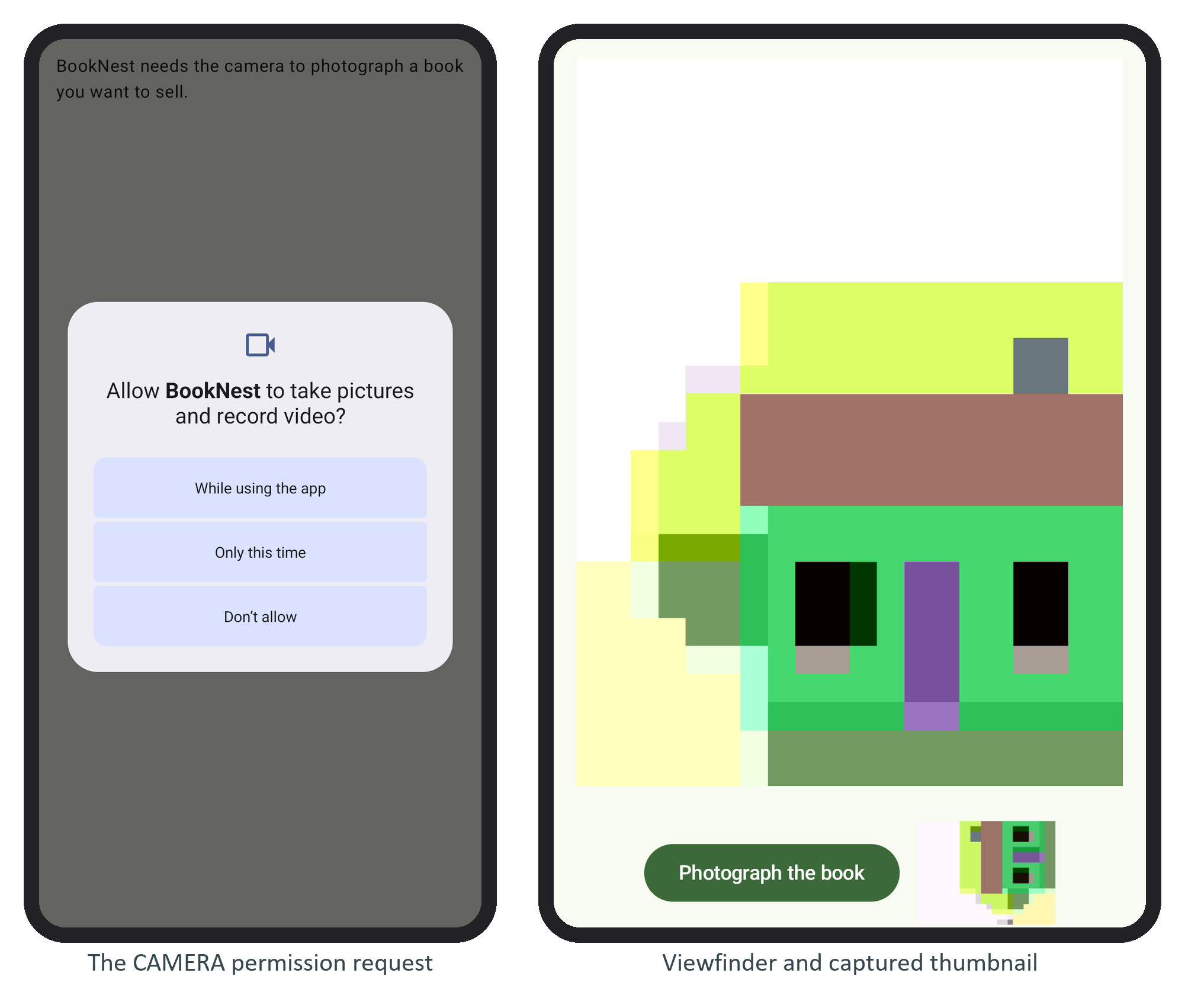
onSaved decodes a one-eighth-size thumbnail. The emulator's camera renders a simple virtual scene:
The saved file, pulled and inspected:
adb -s emulator-5556 exec-out run-as com.example.booknest \
  cat files/listing-1790293126360.jpg > listing.jpg
identify -format '%wx%h orientation=%[EXIF:Orientation] %b\n' listing.jpg
Output
D/BookNestCam( 6547): saved listing-1790293126360.jpg: 59 KB in 2348 ms
...
1856x1392 orientation=6 61345B
To upload it, send a multipart @Part with Retrofit 43,944 (Defining an API with Retrofit) from a WorkManager 234 request (WorkManager).