With every plugin replaced, remove what only Cordova 129 used. The migration guide names config.xml, platforms/ and plugins/. Also drop the cordova-android package and the cordova block of package.json, and delete the <script src="cordova.js"> tag:
npm uninstall cordova-android
npm pkg delete cordova
rm -rf config.xml platforms plugins
npx cap sync android...
[info] Found 3 Capacitor plugins for android:
@capacitor/device@8.0.3
@capacitor/dialog@8.0.1
@capacitor/geolocation@8.2.2
...
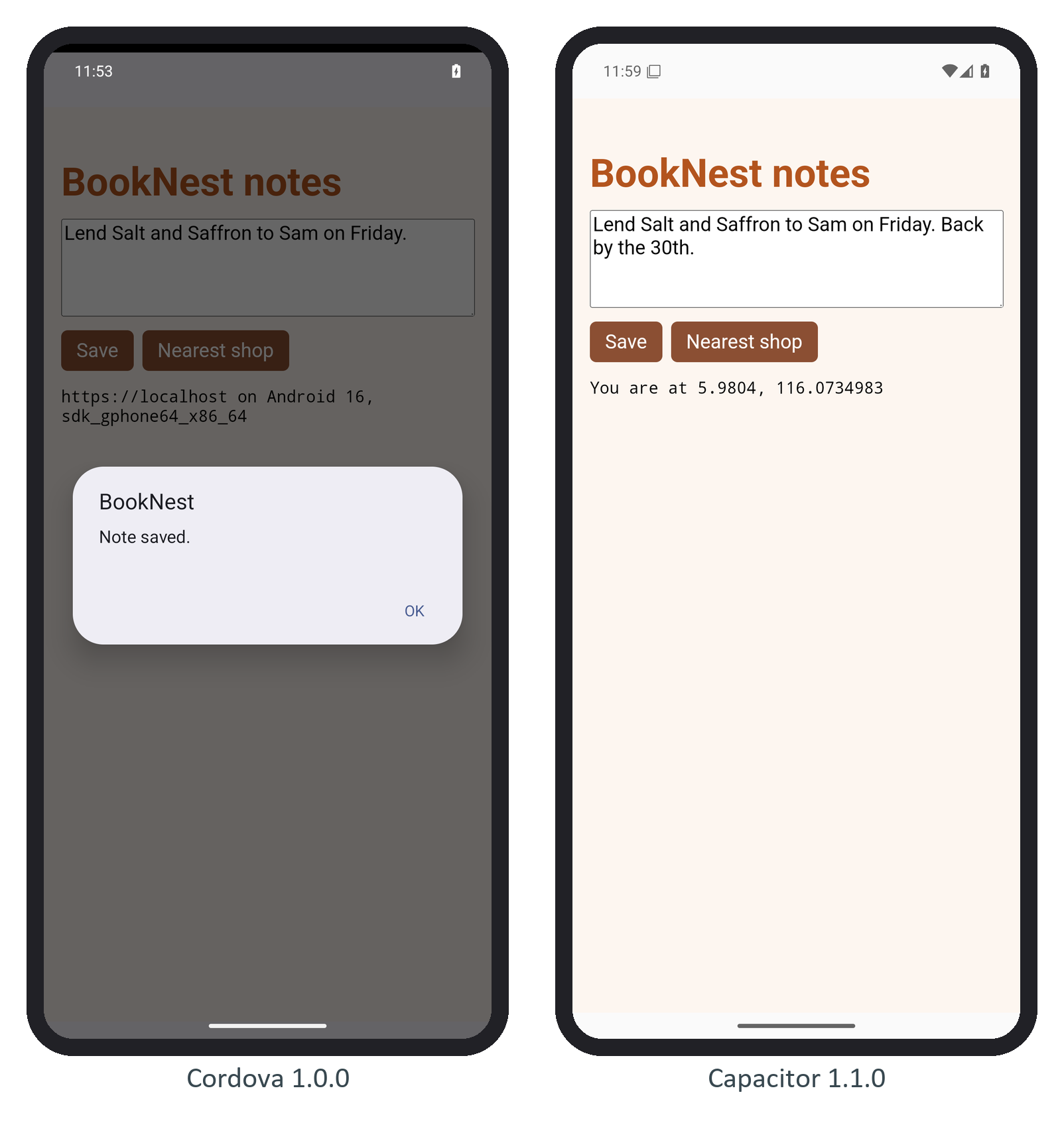
[info] Sync finished in 0.202sThe capacitor-cordova-android-plugins module stays, now holding no plugin code, and cap sync still writes a stub cordova.js into the web assets. Both are harmless and are part of every Capacitor 243,123 project. Then test what a user upgrading from the store would see. Install the new build over the old one with adb install -r, not onto a clean emulator, and check that the stored data, permissions, deep links and notifications survived. In the notes app, the note, the device line and the location permission all carried over:
Finally, aapt2 dump badging on both APKs should show the same package, no surprise permissions and a higher version code.