Share opens the system share sheet with text, a URL or files. Its promise settles only when the sheet closes, and dismissing the sheet rejects it:
export async function share() {
  const { value } = await Share.canShare();
  try {
    const { activityType } = await Share.share({
      title: 'Salt and Saffron', text: 'Found this on BookNest:',
      url: 'https://example.com/books/3', dialogTitle: 'Share this book',
    });
    return show('share', { canShare: value, activityType });
  } catch (err) {
    return show('share', { canShare: value, error: err.message });
  }
}
Pressing Back on the sheet:
LAB share {"canShare":true,"error":"Share canceled"}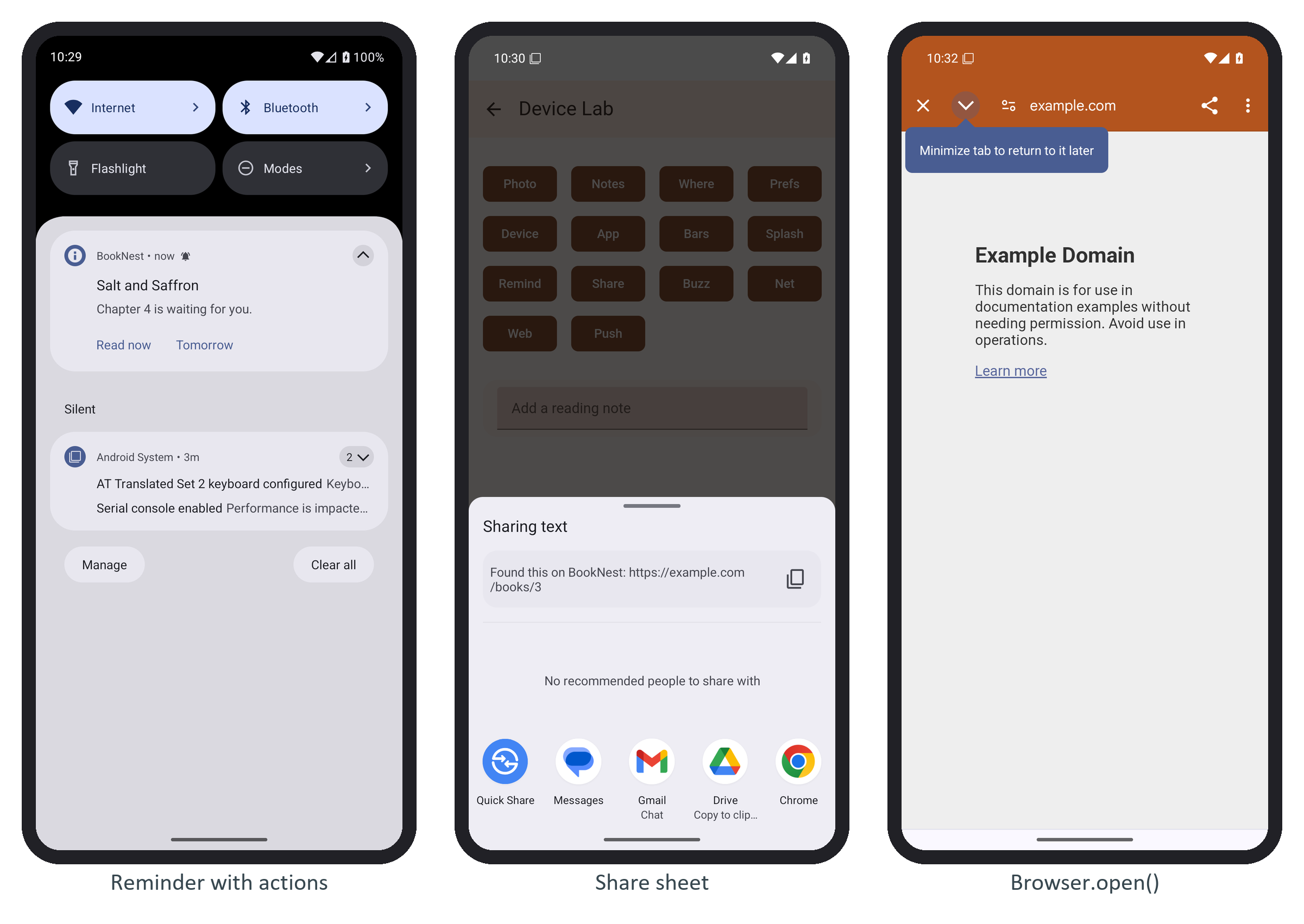
Android joined text and url into one string, "Found this on BookNest: https://example.com/books/3", and the Android 16 sheet did not show dialogTitle, an Android-only option, at all. When the reader does pick an app, activityType identifies it, though the plugin's own documentation warns it can be an empty string. To share an image, save it with Filesystem first and pass its file:// URI in files. In a browser the plugin calls the Web Share API, and canShare() returns false where navigator.share is missing.