With live reload the installed app loads your dev server instead of its bundled files, so a saved edit appears without a rebuild. Serve on all interfaces, then add --live-reload (-l):
npx vite --host 0.0.0.0 --port 5314 --strictPort    # terminal 1
npx cap run android --target emulator-5582 --live-reload --host 10.0.2.2 --port 5314✔ Deploying app-debug.apk to emulator-5582 in 81.59s [info] App running with live reload listing for: http://10.0.2.2:5314. Press Ctrl+C to quit.
The CLI writes "server": { "url": "http://10.0.2.2:5314" } into the copied android/app/src/main/assets/capacitor.config.json, leaves your own config alone, and removes the entry again on Ctrl+C. Without --host it uses your computer's first non-loopback IPv4 address, reachable from a phone on your Wi-Fi; the default port is 3000. Inside the emulator, 10.0.2.2 is the alias for the host's loopback interface, while 127.0.0.1 is the emulator itself. --forwardPorts 5314:5314 instead runs adb reverse, so --host localhost also works over USB.
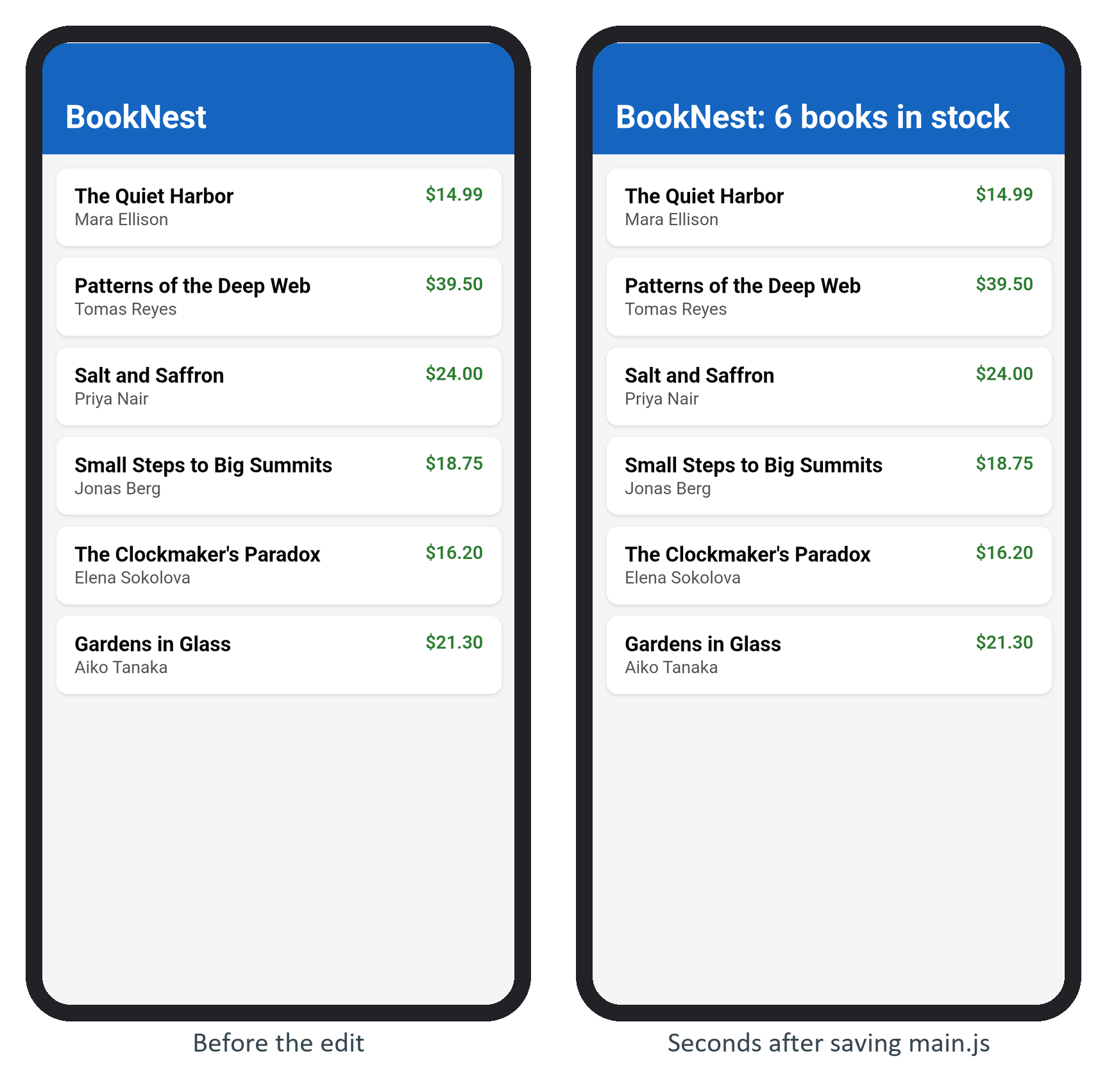
Vite 25,978 logged page reload src/main.js and the app redrew. Because Android blocks plain http by default, the CLI also adds usesCleartextTraffic="true" to the generated capacitor-cordova-android-plugins manifest for that build (The server Block covers server.cleartext). Ctrl+C reverts both files, but the installed APK keeps pointing at your dev server until you run cap run again without -l.