When the soft keyboard opens on Android, the activity resizes: the WebView gets shorter and fixed elements such as Framework7 572,986 's tab bar move up with it. The Keyboard plugin tells your code:
export function watchKeyboard() {
  Keyboard.addListener('keyboardWillShow', ({ keyboardHeight }) =>
    show('keyboardWillShow', { keyboardHeight, innerHeight: window.innerHeight }));
  Keyboard.addListener('keyboardDidShow', () =>
    show('keyboardDidShow', { innerHeight: window.innerHeight }));
  Keyboard.addListener('keyboardDidHide', () =>
    show('keyboardDidHide', { innerHeight: window.innerHeight }));
}
Tapping the note field, typing, then pressing Back:
LAB keyboardWillShow {"keyboardHeight":336,"innerHeight":528}
LAB keyboardDidShow {"innerHeight":528}
LAB keyboardDidHide {"innerHeight":840}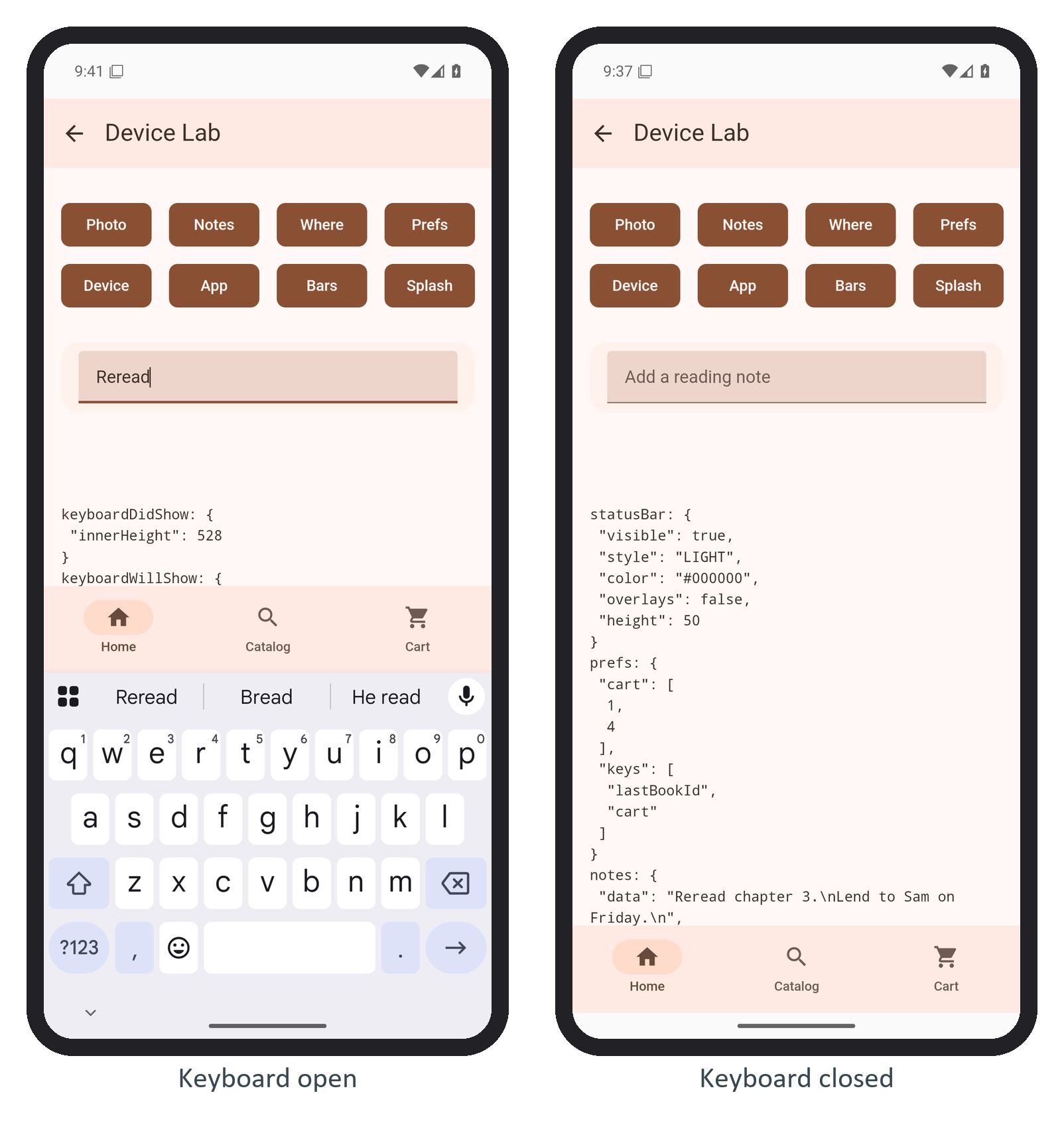
The viewport shrank from 840 to 528 CSS pixels, but keyboardWillShow already saw 528: on Android the "will" and "did" events arrive together, after the resize, so don't animate from them there. Back closed the keyboard without reaching the backButton listener. To keep the tab bar down, hide it in keyboardWillShow.
Most options are iOS-only (not run here): resize picks native, body, ionic or none. On Android, show() opens the keyboard for the focused field, and resizeOnFullScreen: true in BookNest's config keeps resizing when the app runs full screen, where the keyboard would otherwise cover the page.