cordova-plugin-dialogs (2.0.2) replaces alert() and confirm(), which show the page's origin as their title, with native dialogs that take your own title and button labels. BookNest uses one to empty the cart when you tap its badge:
$('#cart').addEventListener('click', () => {
  if (!cart) return;
  navigator.notification.confirm(`Remove all ${cart} books from your cart?`, (button) => {
    if (button === 1) { cart = 0; $('#cart').textContent = 'Cart 0'; }   // 1 = Empty
  }, 'Empty cart', ['Empty', 'Keep']);
});
cordova-plugin-inappbrowser (7.0.0, June 2026) opens a URL in a second, native browser window above the app. The page there has no access to the Cordova 129 bridge and is not bound by your CSP, which makes it the safe way to show a publisher's site or a payment page. Its events and executeScript() let your app watch the page:
const ref = cordova.InAppBrowser.open('https://example.com/', '_blank',
  'location=yes,toolbarcolor=#2E7D32,closebuttoncaption=Done');
await new Promise((resolve) => ref.addEventListener('loadstop', resolve, { once: true }));
const title = await new Promise((resolve) =>
  ref.executeScript({ code: 'document.title' }, ([value]) => resolve(value)));
title;Example Domain
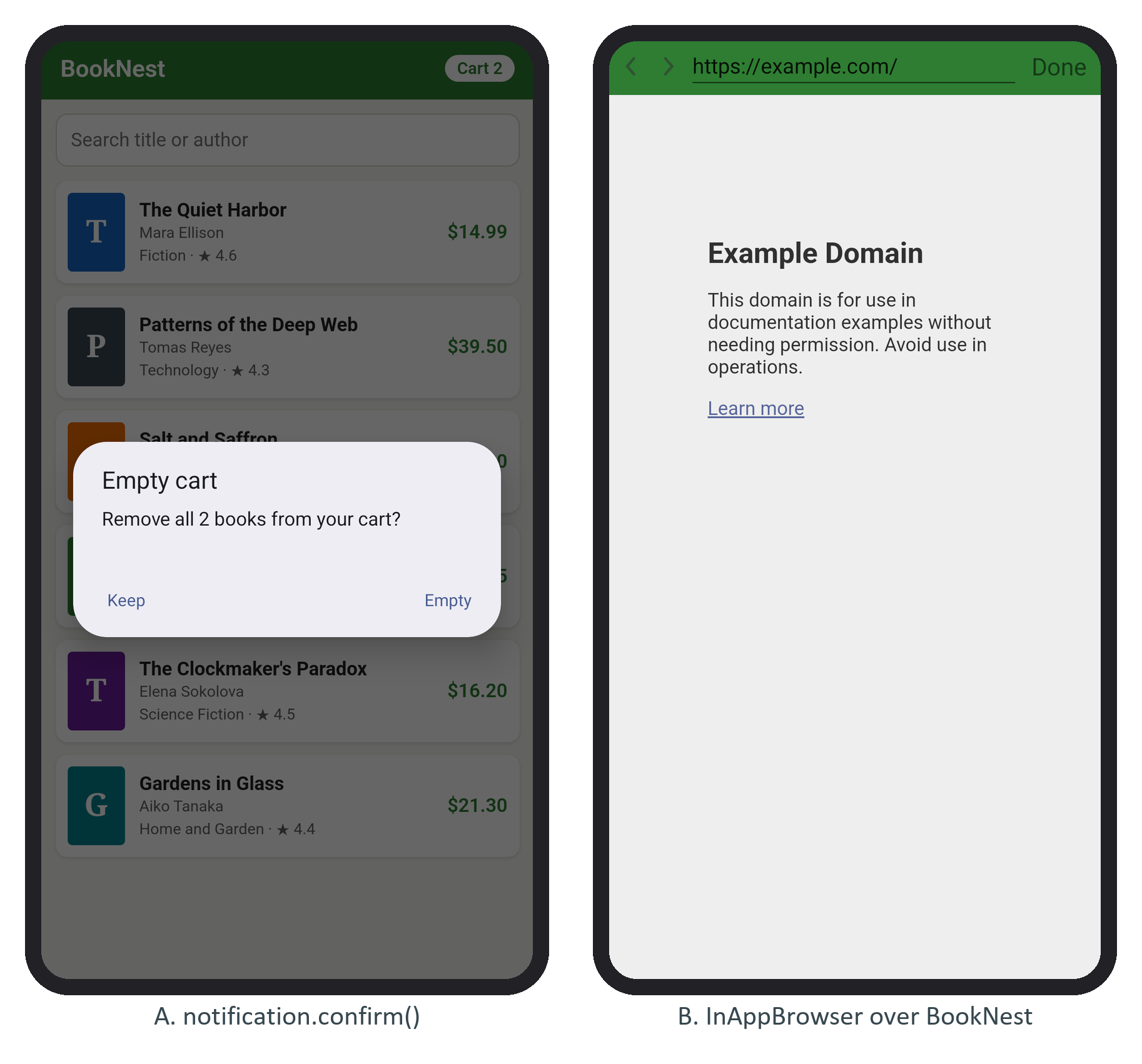
Android numbers the buttons from 1 in the order you pass them but lays them out with the first on the right, as panel A shows. Use _system instead of _blank to hand a link to the user's browser, where an <allow-intent> rule (allow-intent) must permit it.