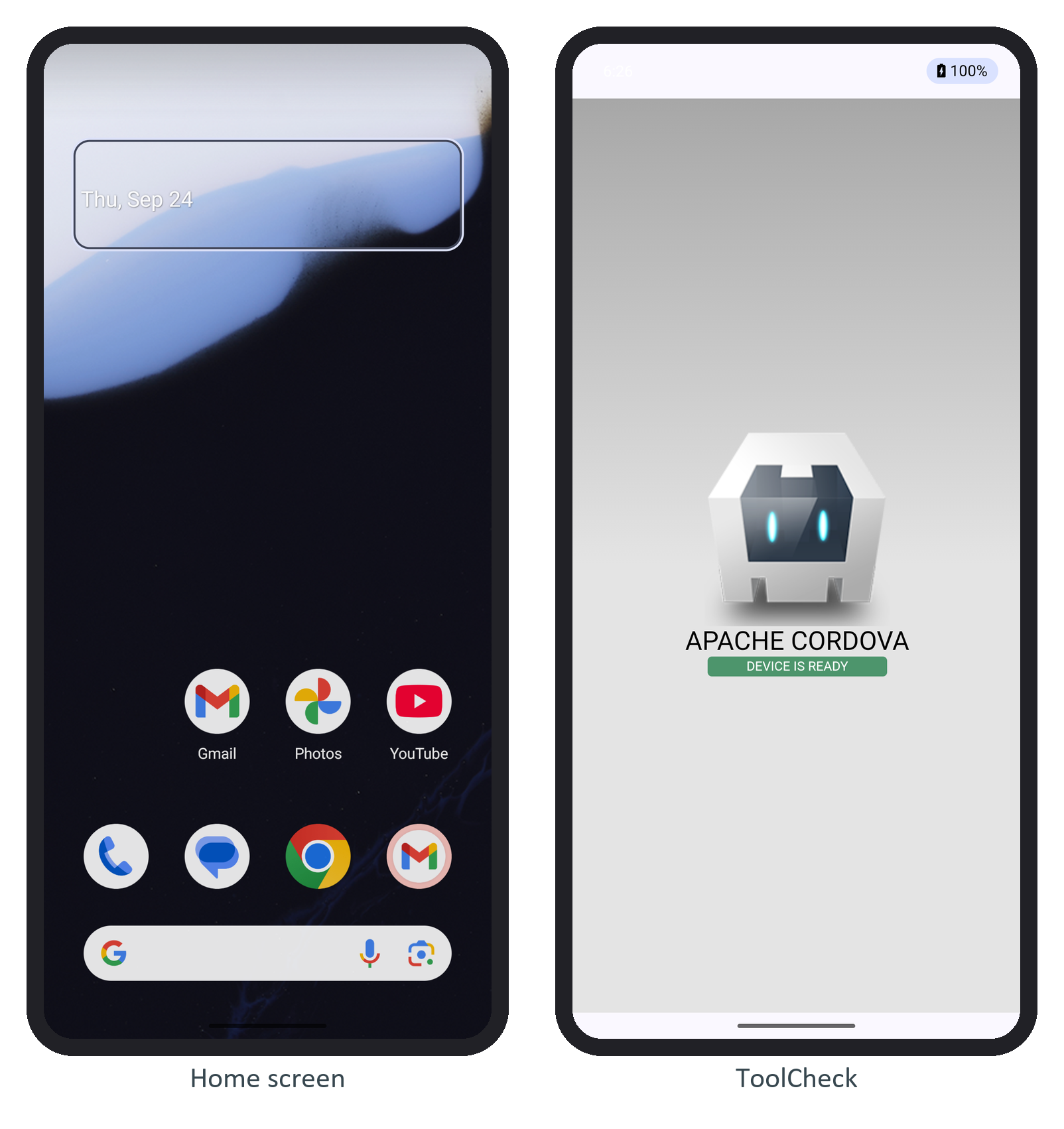
An Android Virtual Device (AVD) pairs a system image with a hardware profile. Android Studio 234 creates one under View > Tool Windows > Device Manager; on the command line, avdmanager create avd -n book -d pixel_8 -k "system-images;android-36;google_apis;x86_64" created this book's Pixel 8 AVD on the Android 16 image:
avdmanager list avd 2>/dev/null
setsid emulator -avd book -port 5560 -read-only -no-window -no-audio -memory 2048 \
  -no-snapshot-save -gpu swiftshader_indirect < /dev/null > emulator.log 2>&1 &
until adb -s emulator-5560 shell getprop sys.boot_completed 2>/dev/null | grep -q 1; do
  sleep 5; done
adb devices | grep -E "^List|^emulator-5560"
adb -s emulator-5560 shell getprop ro.build.version.release
Output
Available Android Virtual Devices:
    Name: book
  Device: pixel_8 (Google)
...
          Based on: Android 16.0 ("Baklava") Tag/ABI: google_apis/x86_64
...
List of devices attached
emulator-5560   device
16
Drop -no-window on a desktop to see the phone; setsid and < /dev/null let the emulator outlive the script. The serial is emulator- plus the port, and -read-only lets several instances share one AVD. With several devices attached, every adb command needs -s emulator-5560, or it fails with more than one device/emulator.