A contacts list is a grouped list with the contacts-list class, which restyles the group titles: a 22 px bar on iOS, a letter in a 40 px left column on Material (List Index's screenshot). Grouped by genre, that column printed "Home and Garden" over the book titles, so /genres/ uses a plain grouped list (list list-strong, same markup), whose titles stick to the top as their group scrolls.
A menu list (list menu-list) marks the current choice with item-selected on its item-link, like a vertical tab bar; on /genres/ its three rows set a stock filter.
A data table is a <table> inside .card.data-table, with label-cell and right-aligned numeric-cell columns. On /stock/, Price and Rating are sortable-cell headers and the wrapper has data-table-init, without which header clicks did nothing. Framework7 572,986 then toggles sortable-cell-active and sortable-asc/sortable-desc and fires datatable:sort, but never reorders the rows. That part is yours:
$el.value.find('.sortable-cell').on('datatable:sort', (e) => {
  const key = e.target.dataset.key;
  const dir = e.detail === 'desc' ? -1 : 1;
  rows.sort((a, b) => dir * (a[key] - b[key]));
  console.log(`sort ${key} ${e.detail}:`, rows.map((b) => b.id).join(', '));
  $update();
});
Clicking Price twice printed:
sort price asc: 1, 5, 4, 6, 3, 2
sort price desc: 2, 3, 6, 4, 5, 1
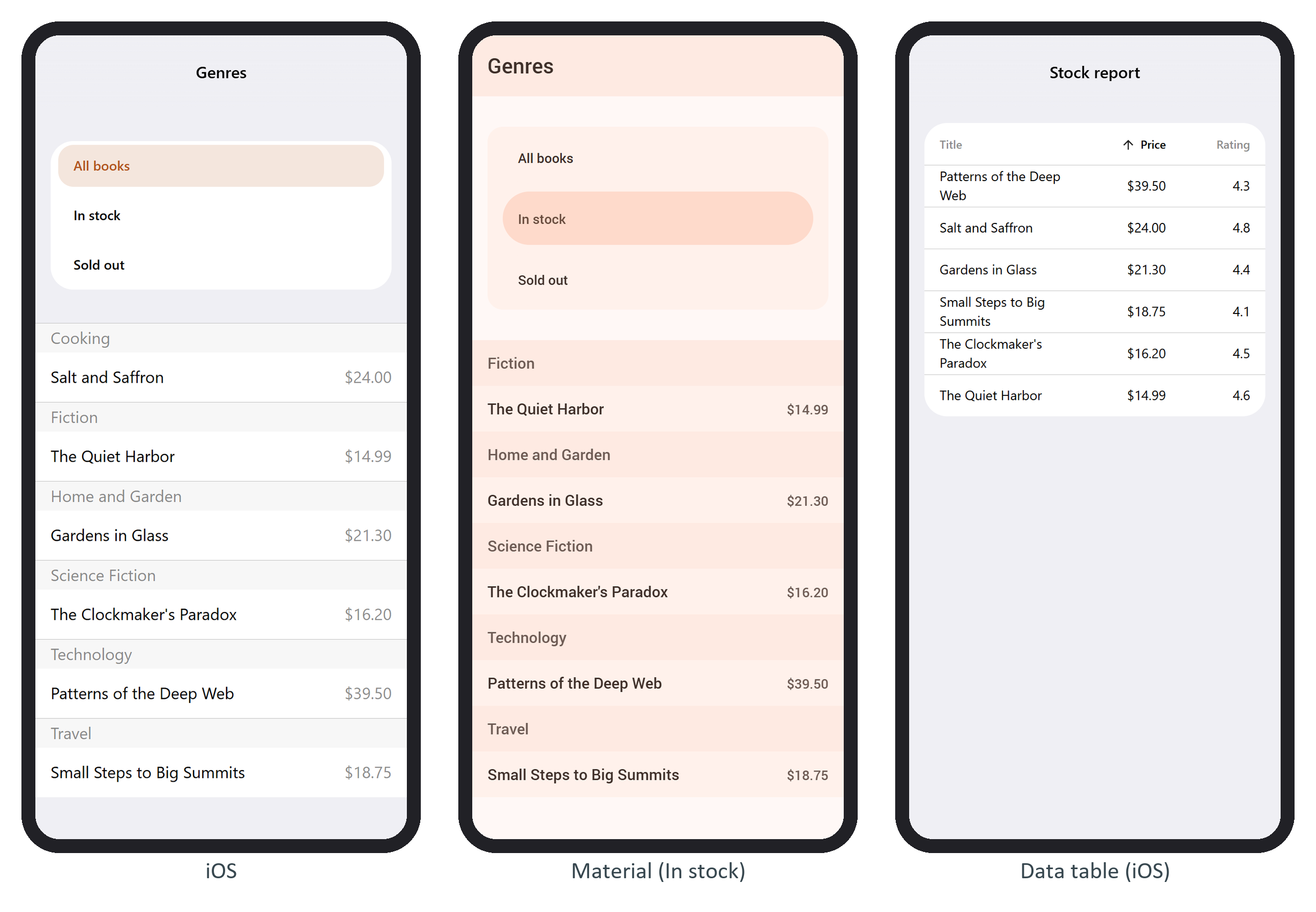
The header keeps its sort classes across $update() because the template's class attributes don't change, so the virtual DOM leaves Framework7's additions alone.