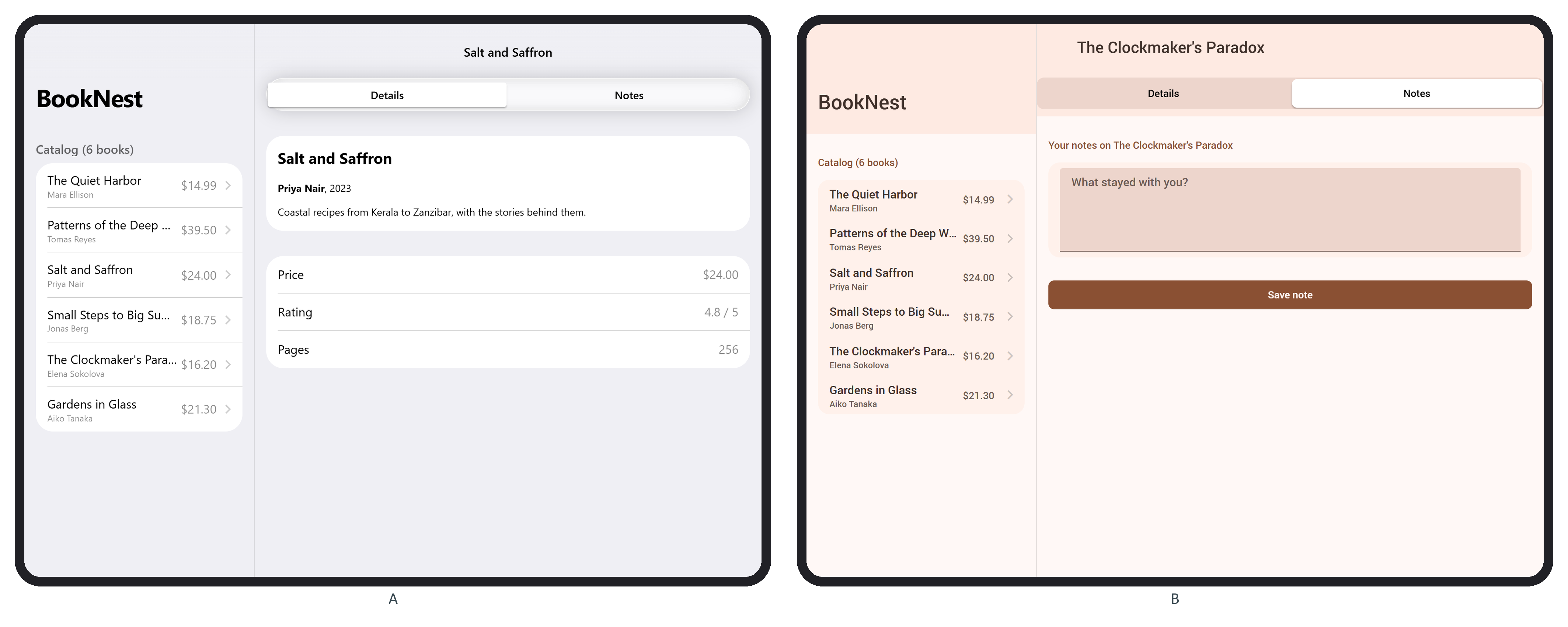
In routes.js the catalog route became the master: { path: '/', name: 'home', component: HomePage, master: true, detailRoutes: [bookRoute] }. The main view in src/app.f7 gains two attributes, data-master-detail-breakpoint="768" and data-reload-detail="true". Without reloadDetail, each catalog tap at 1024 px stacked another detail page and Back returned to the previous book; with it, history stayed ["/","/books/4/"]. The first detail page's Back link did nothing in split mode, so app.css hides it with .view-master-detail .page-master-detail-root .navbar .left { visibility: hidden; }. Finally, home.f7 fills the empty right pane:
    // On a tablet, fill the empty detail pane with the first book
    $on('pageAfterIn', () => {
      const split = $f7router.view.el.classList.contains('view-master-detail');
      if (split) $f7router.navigate('/books/1/', { animate: false });
    });
In pageInit the router ignored the call: allowPageChange was still false.