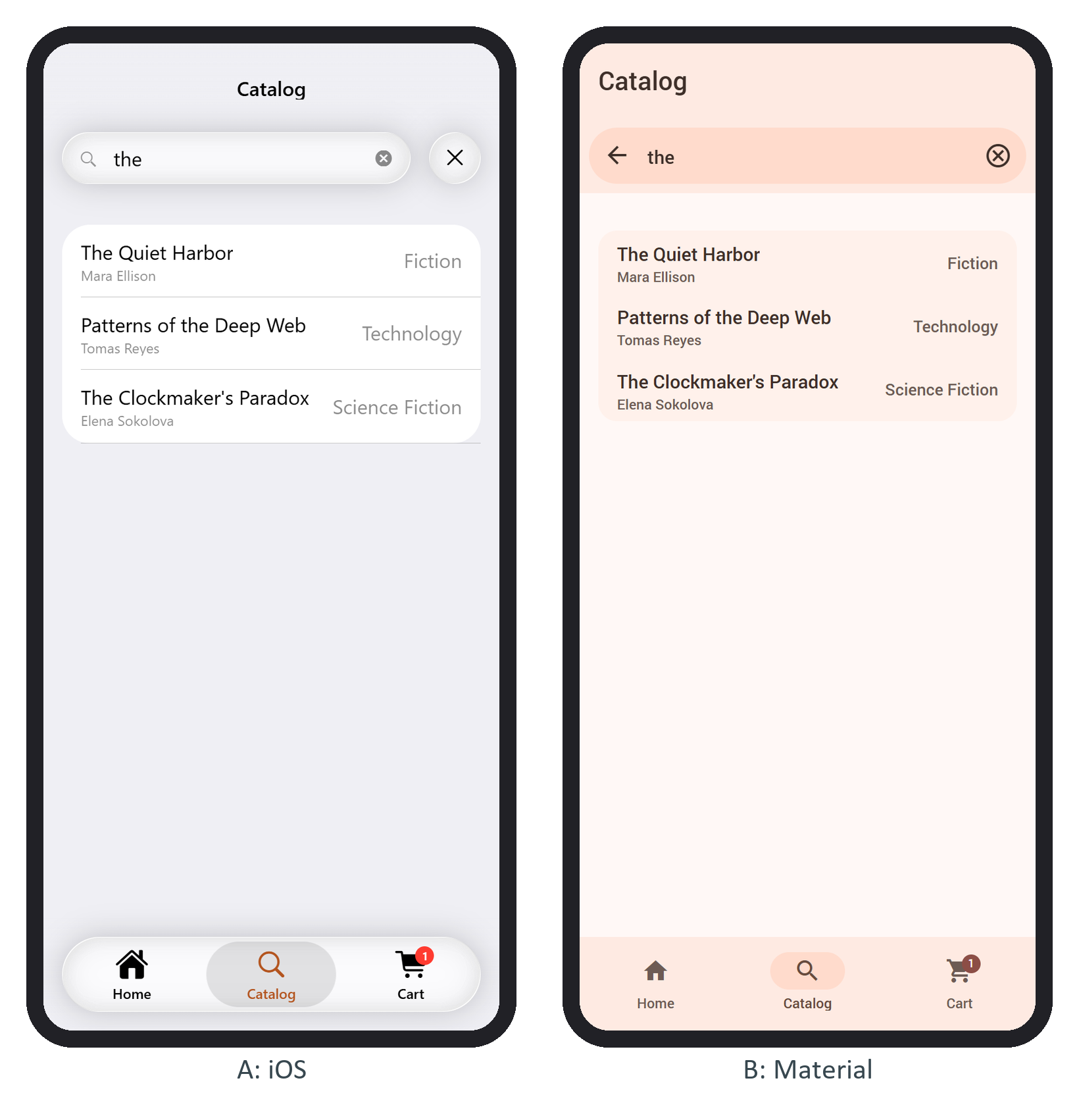
A subnavbar is a second row under the navbar for a searchbar, segmented buttons or tab links. Put it inside .navbar-inner to keep it fixed, or inside .page-content to let it scroll away, and add page-with-subnavbar to the page so the content starts below both rows. BookNest's catalog page puts its searchbar there:
<div class="subnavbar">
  <form class="searchbar searchbar-init" data-search-container=".search-list"
    data-search-in=".item-title">
    <div class="searchbar-inner">
      <div class="searchbar-input-wrap">
        <input type="search" placeholder="Title or author" />
        <i class="searchbar-icon"></i>
        <span class="input-clear-button"></span>
      </div>
      <span class="searchbar-disable-button"><i class="icon icon-close"></i></span>
    </div>
  </form>
</div>
searchbar-init creates the searchbar at page init; the data attributes name the list to filter and the element to match. Framework7 572,986 shows the searchbar-found or searchbar-not-found list as matches come and go. Typing "the" leaves three books: