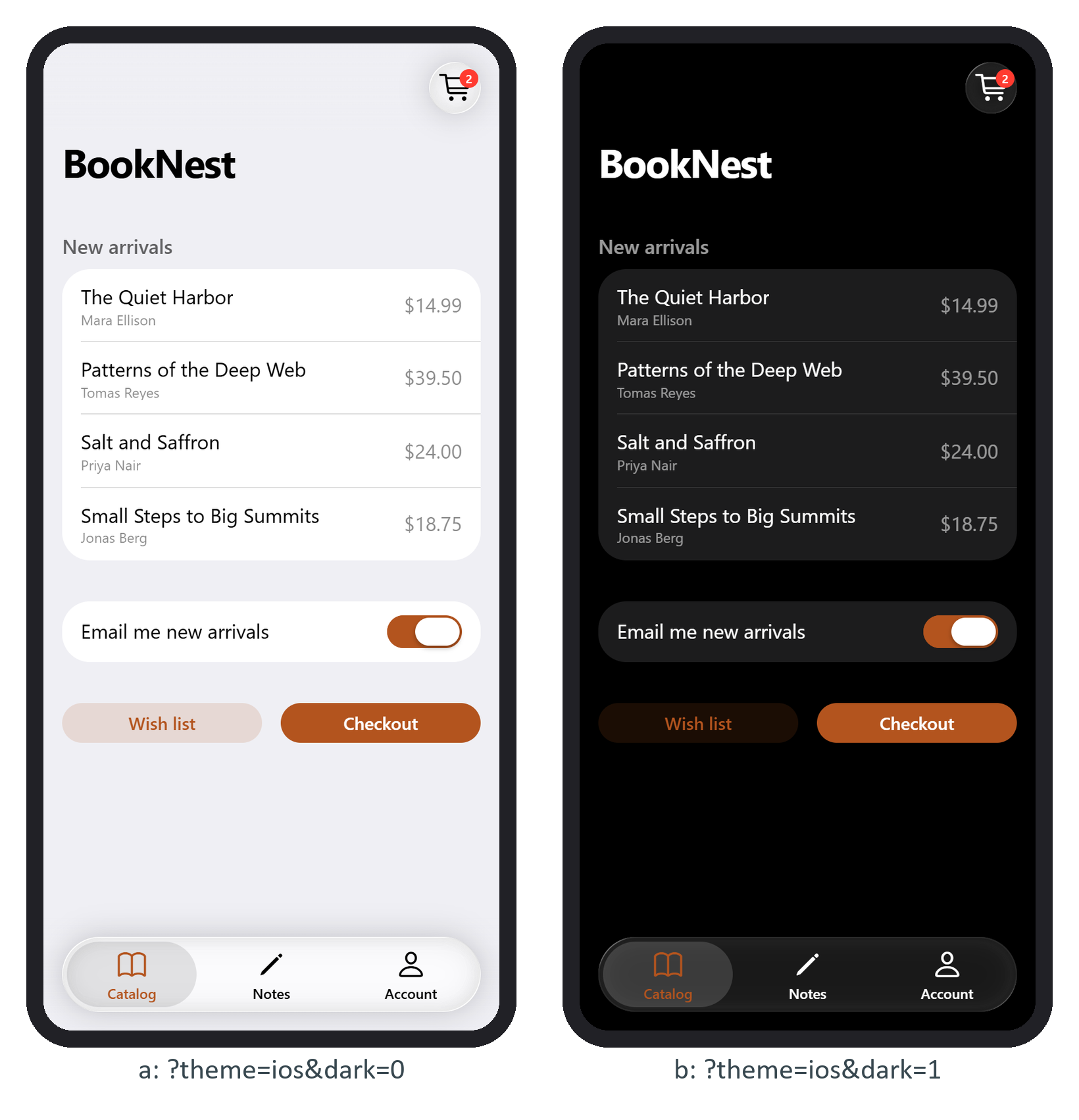
Apple introduced Liquid Glass on 9 June 2025 for iOS 26 and its sibling systems: a translucent material that blurs and reflects what lies behind it. Framework7 9.0.0 572,986 (25 November 2025) restyled every component to match. Navbar buttons became floating round panes, and the new toolbar pane groups tab links into one glass capsule. The glass is plain CSS: backdrop-filter: saturate(180%) blur(16px), a translucent --f7-glass-bg-color and inset shadows in --f7-glass-shadow that imitate the rim of a lens.
<div class="toolbar tabbar tabbar-icons toolbar-bottom">
  <div class="toolbar-inner">
    <div class="toolbar-pane">
      <a href="#" class="tab-link tab-link-active">
        <i class="icon f7-icons if-not-md">book</i>
        <i class="icon material-icons md-only">menu_book</i>
        <span class="tabbar-label">Catalog</span>
      </a>
      <!-- Notes and Account links follow the same pattern -->
    </div>
  </div>
</div>
Without the pane, the iOS tab bar is a row of plain links; with it you get the capsule below, with a lighter lozenge behind the active tab. Material ignores the pane, so the markup serves both themes.
iosTranslucentBars and iosTranslucentModals (both true) control the blur behind bars and behind dialogs, popovers and action sheets. Turn them off if scrolling stutters on older iPhones, since a blur is recomputed whenever the content behind it moves.