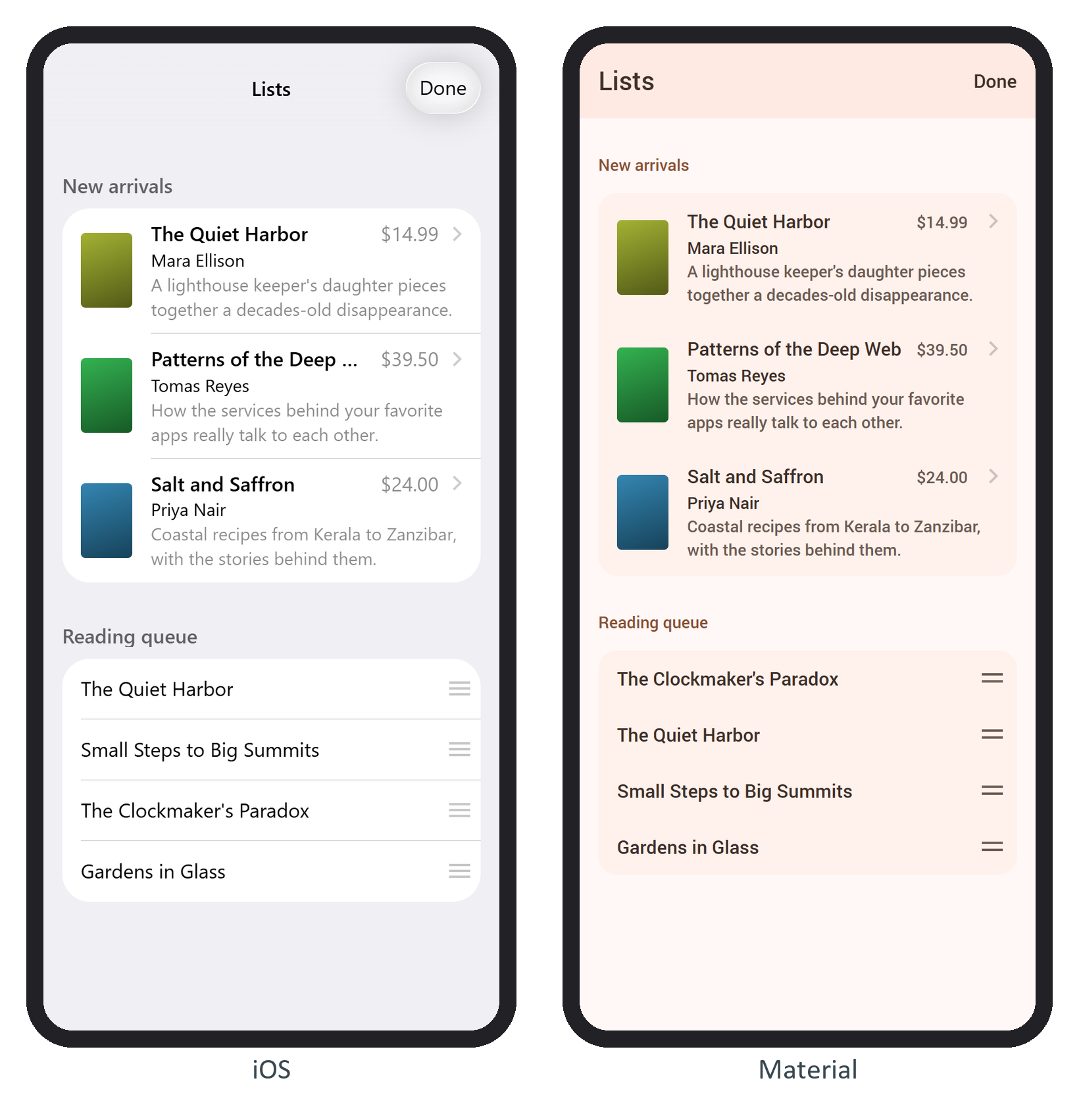
A list view is a <div class="list"> around a <ul>. Each row is an item-content with an optional item-media and a required item-inner holding item-title and item-after; wrap it in <a class="item-link"> for a chevron and a router link. Classes on .list choose the variant: simple-list (title-only rows), links-list, media-list (adds item-title-row, item-subtitle and item-text, clamped to two lines), list-strong, list-outline, inset and list-dividers-ios. The "New arrivals" media list on /lists/:
<li><a href="/books/${b.id}/" class="item-link item-content">
  <div class="item-media"><div class="cover thumb" style="--hue: ${hue(b)}"></div></div>
  <div class="item-inner">
    <div class="item-title-row">
      <div class="item-title">${b.title}</div>
      <div class="item-after">${price(b)}</div>
    </div>
    <div class="item-subtitle">${b.author}</div>
    <div class="item-text">${b.summary}</div>
  </div>
</a></li>
A sortable list adds the sortable class and a <div class="sortable-handler"></div> after each row's item-content. The handles stay hidden (opacity: 0) until the list gets sortable-enabled, here toggled by the navbar's Edit link with app.sortable.toggle(). A finished drag fires sortable:sort:
$el.value.find('.sortable').on('sortable:sort', (e) => {
  const { from, to } = e.detail;
  queue.splice(to, 0, ...queue.splice(from, 1));
  console.log(`moved ${from} -> ${to}:`, queue.map((b) => b.id).join(', '));
});
Dragging the first handle two rows down logged:
moved 0 -> 2: 1, 4, 5, 6
Framework7 572,986 moves the <li> itself (sortable.moveElements, default true), so mirror the move in your array or the next $update() redraws the old order. Under React 7,897 or Vue 5,482 , set it to false and reorder state instead.