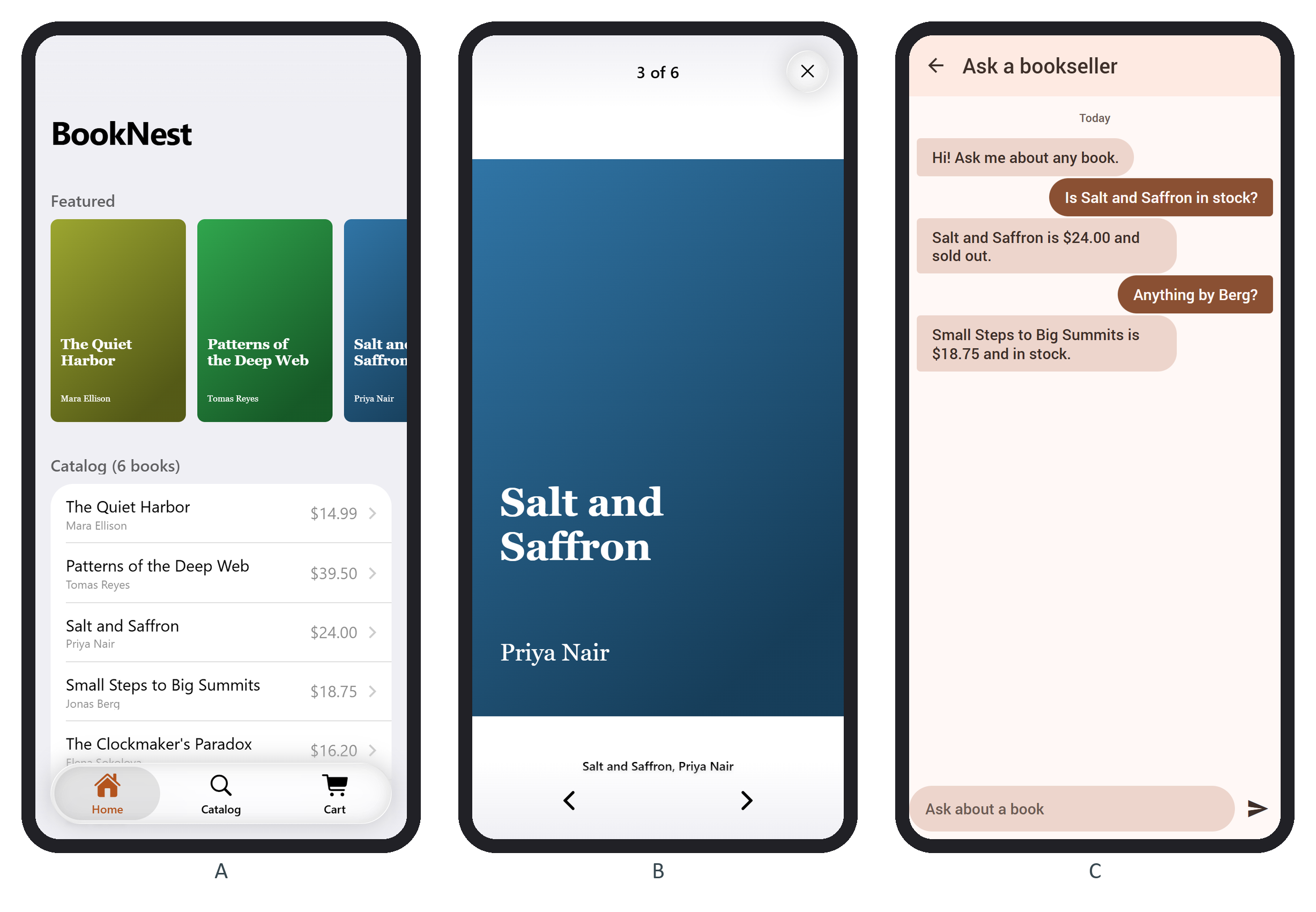
The home page now opens with a Featured row of covers, 2.4 to a screen so the cut-off one invites a swipe:
      <swiper-container class="featured" slides-per-view="2.4" space-between="12"
        slides-offset-before="16" slides-offset-after="16"
        @swiperslidechange=${onSlide} @swiperclick=${openFeatured}>
        ${books.value.map((book) => $h`
          <swiper-slide><img src="${coverUrl(book)}" alt="${book.title}" /></swiper-slide>`)}
      </swiper-container>
onSlide logs e.detail[0].activeIndex and progress; two 220-pixel mouse drags printed slide 2, progress 0.56 and slide 4, progress 1.00. openFeatured navigates to books.value[swiper.clickedIndex].
The first version wrapped each image in <a href="/books/3/">, and the first drag opened a book. Framework7 572,986 handles click on the document in the capture phase, so its router follows the link before Swiper 135,050 's own handler can cancel the click that ends a drag. A touch swipe sends no click, so only mouse users (a desktop PWA) hit this. Swiper's click event fires only for a tap, with clickedIndex set.