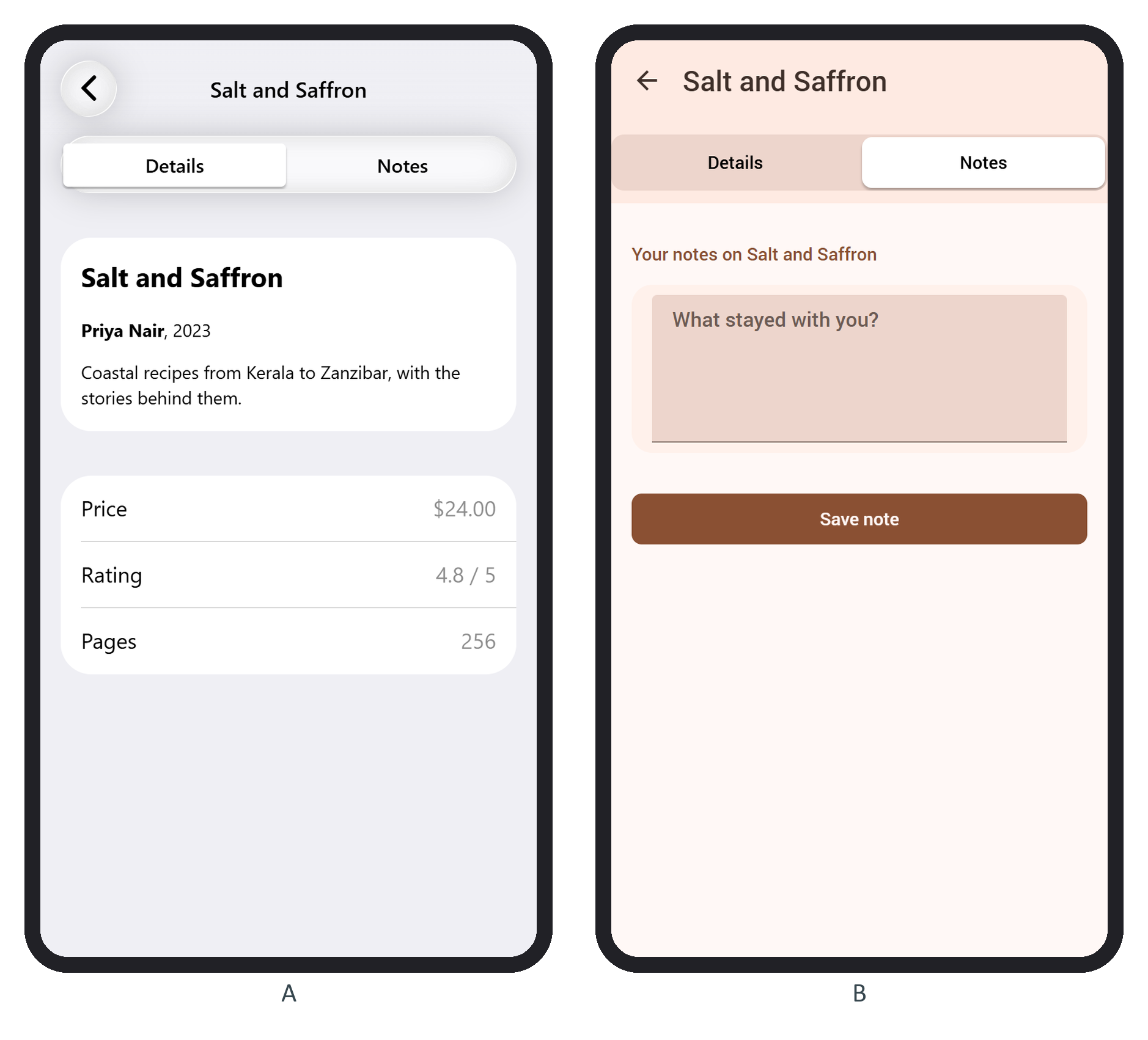
The page supplies empty tabs and the links. book.f7 puts a segmented control in its subnavbar (Subnavbar and Searchbar) and ends with a tabs tabs-routable wrapper:
      <div class="subnavbar">
        <div class="segmented segmented-strong">
          <a href="/books/${book.id}/" class="button tab-link"
            data-route-tab-id="tab-details">Details</a>
          <a href="/books/${book.id}/notes/" class="button tab-link"
            data-route-tab-id="tab-notes">Notes</a>
          <span class="segmented-highlight"></span>
        </div>
      </div>
    </div>
  </div>
  <div class="tabs tabs-routable">
    <div class="tab page-content" id="tab-details"></div>
    <div class="tab page-content" id="tab-notes"></div>
  </div>
Each href is a tab's URL, so a tap is ordinary navigation. data-route-tab-id tells Framework7 572,986 which link belongs to the loaded tab route, so it can move tab-link-active there. Relative hrefs (./, ./notes/) work too.