The new /scan route puts the pieces together: a camera preview that scans live, Take cover photo (takePictureAsync() on the CameraView ref), and Pick from photos, which scans the chosen image and uploads it. The six sample books got made-up ISBN-13s with valid check digits, such as 9780000000309 for Salt and Saffron:
    const codes = await scanFromURLAsync(uri, ['ean13']);   // ML Kit on Android
    codes.forEach((c) => onIsbn(c.data));
    await send(uri);
To test it, a back cover with a real EAN-13 barcode was drawn with bwip-js (https://github.com/metafloor/bwip-js 2,419 ) (MIT, 4.11.4) and ImageMagick 3,122 , pushed to the emulator with adb push back-cover.jpg /sdcard/Pictures/, and indexed with a MEDIA_SCANNER_SCAN_FILE broadcast. Picking it:
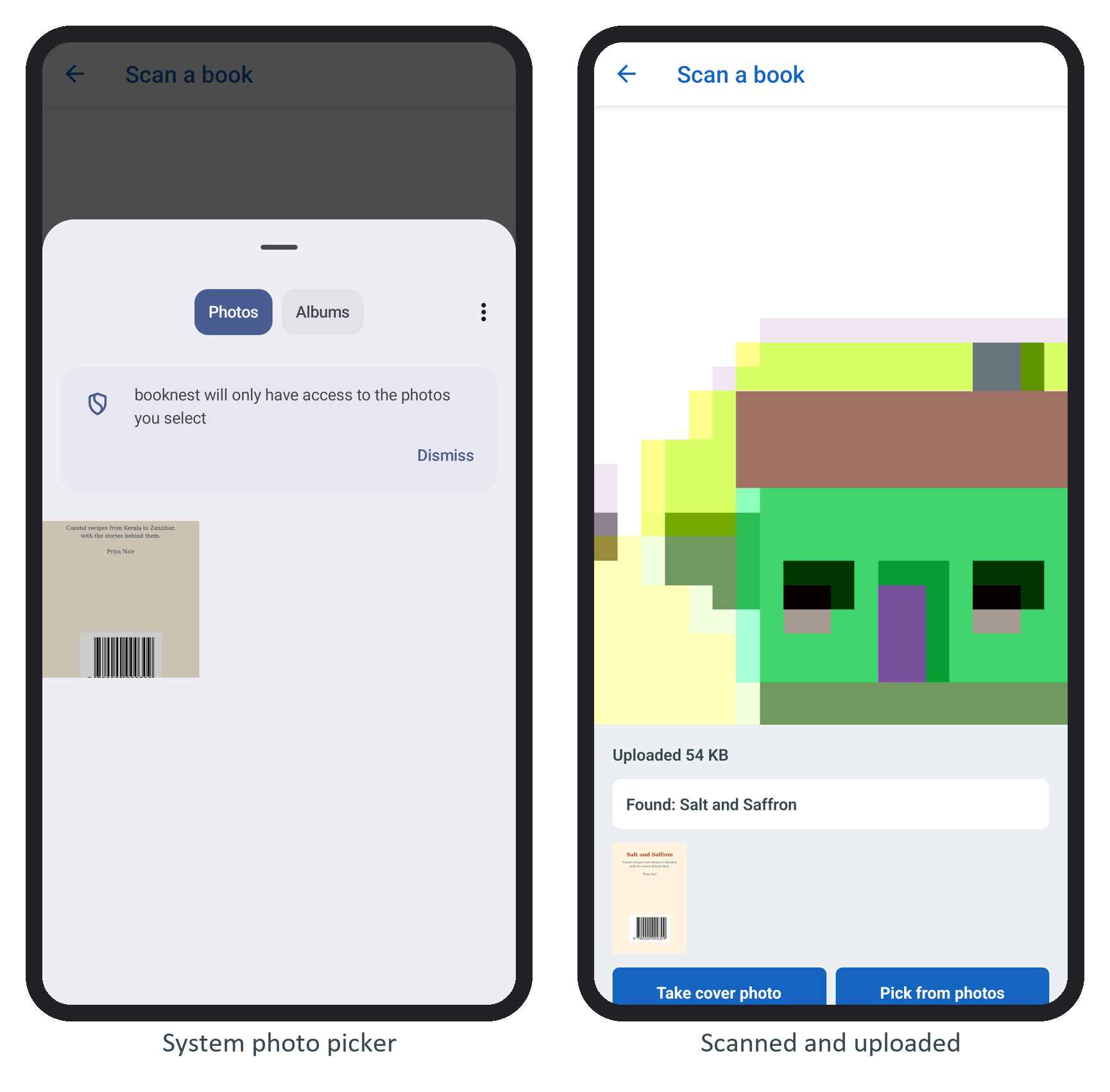
'picked', 1000, 'x', 1400
'ISBN', '9780000000309', 'is book 3'
The "Found" card links to /book/3. Before the permission is granted, the screen shows an explanation and an Allow the camera button that calls requestPermission(); Android then offers "While using the app", "Only this time" and "Don't allow". An unknown ISBN only logs is not in the catalog, and pausing the preview when the screen loses focus (pausePreview()) saves battery.