react-native-safe-area-context 2,760 (https://github.com/AppAndFlow/react-native-safe-area-context 2,760 ) (MIT) reads the insets natively on iOS, Android and the web and hands them to JavaScript. Expo SDK 57 6,418 pins 5.7.0 (npm 2,036 's latest is 5.10.0); install it with npx expo install react-native-safe-area-context. You mount one SafeAreaProvider at the root, as BookNest's App.tsx does since Scaffolding BookNest, and then choose a tool per screen:
| API | Use it for |
|---|---|
| <SafeAreaView edges={['top']}> | Padding a screen; mode="margin" uses margins |
| edges={{ bottom: 'maximum' }} | At least the inset, or your own padding if larger |
| useSafeAreaInsets() | Custom layouts: headers, floating buttons, sheets |
| useSafeAreaFrame() | The frame the insets apply to |
| initialWindowMetrics | First render without a zero-inset flash |
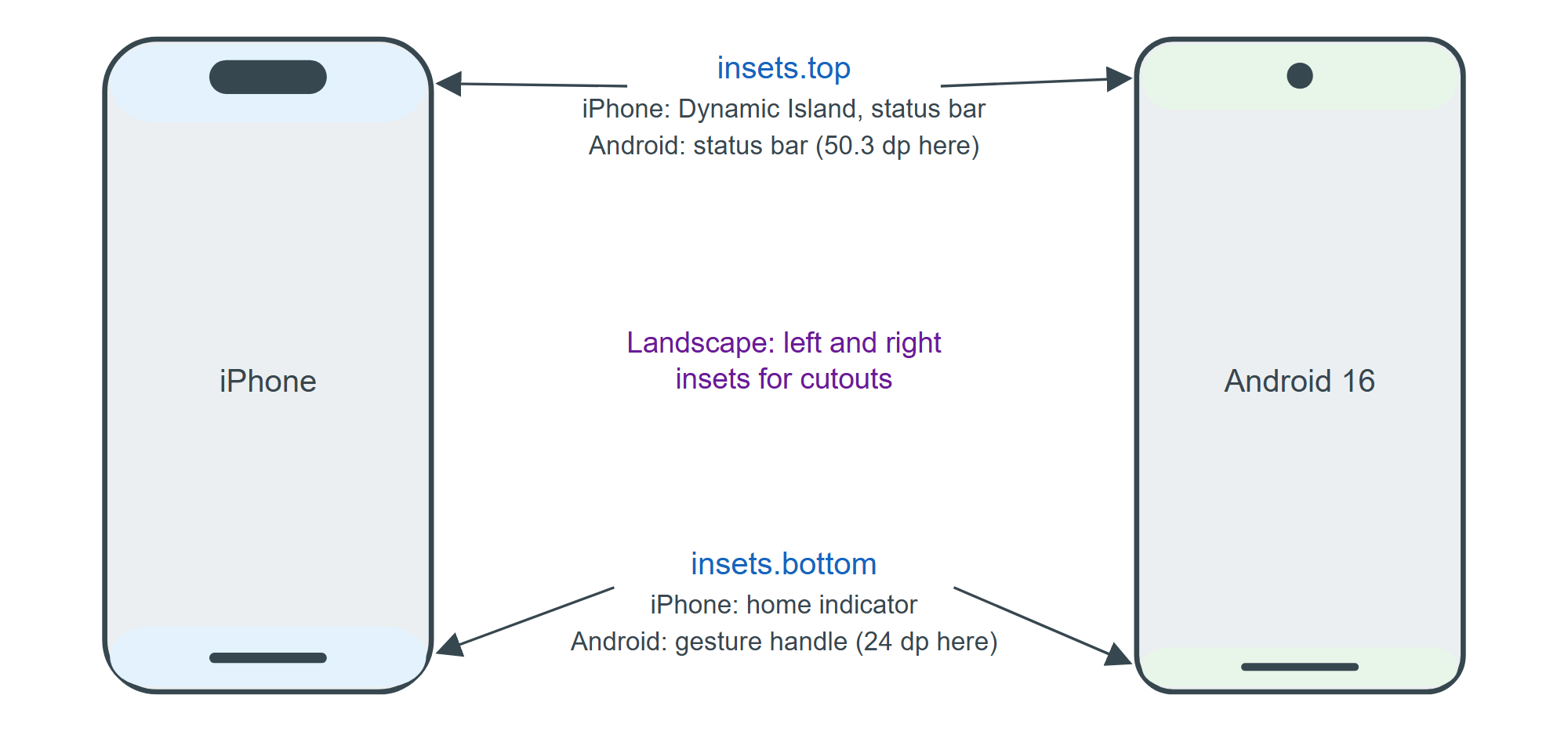
IosOnly.tsx read both hooks on the Android emulator; the frame, cut from the line below, was 411.4 x 914.3:
LOG Platform.OS=android insets={"left":0,"bottom":24,"right":0,"top":50.28571319580078} ...On iOS (not run here) the same call returns the device's own values, which differ by model and orientation. Prefer SafeAreaView for whole screens, since it applies insets natively without a JavaScript round trip, and the hook for pieces such as a floating cart button that must clear the home indicator.