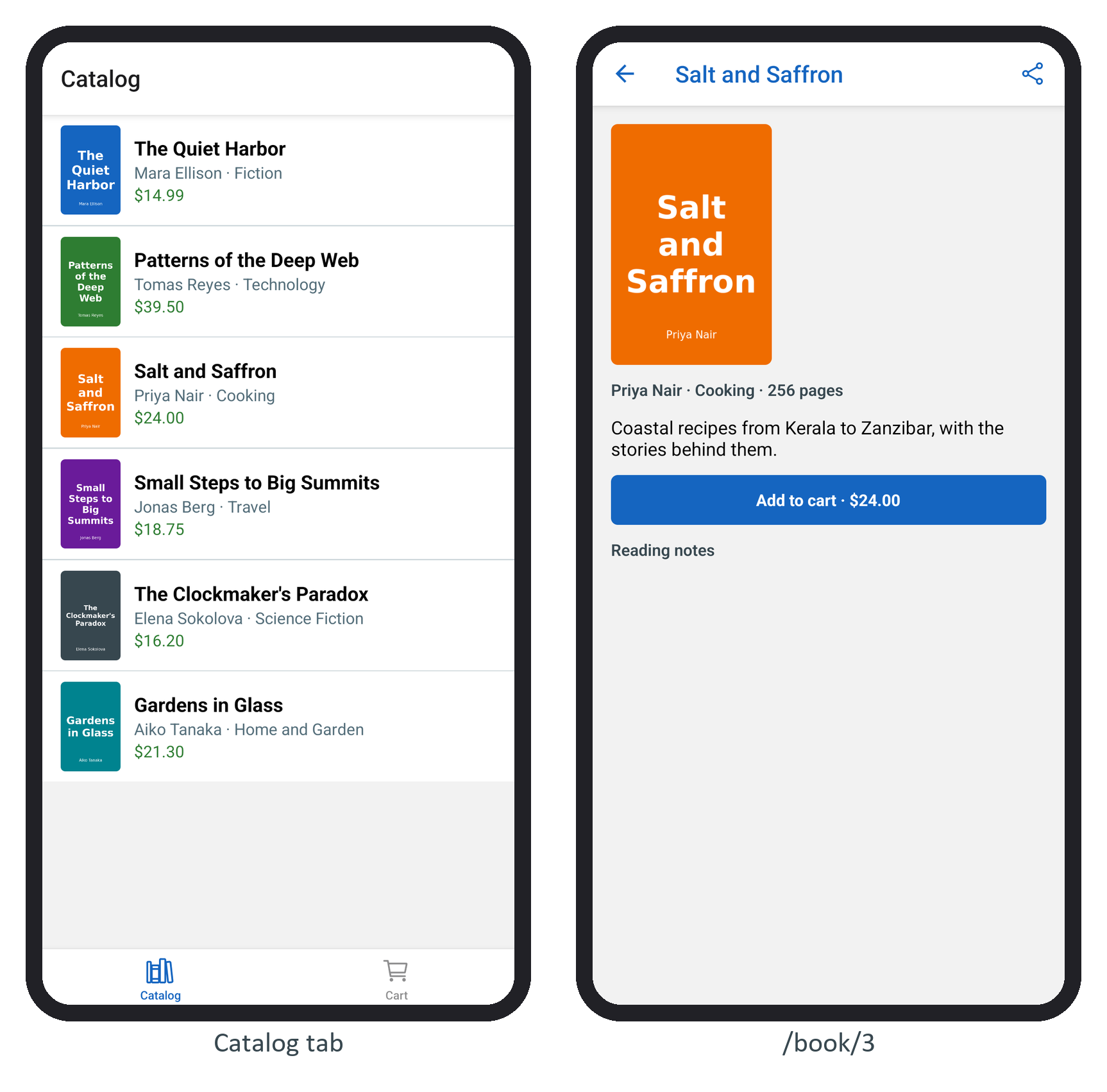
A layout file picks the navigator for its folder. Stack from expo-router 6,418 pushes screens with a header and Back, using react-native-screens 3,732 (a Fragment on Android, a UINavigationController on iOS). Tabs draws a bottom tab bar in JavaScript, and each tab keeps its state. Drawer from expo-router/drawer adds a side menu. BookNest's catalog and cart are tabs, and a badge on the cart tab counts the books in it:
export default function TabLayout() {
  const { cart } = useSession();
  return (
    <Tabs screenOptions={{ tabBarActiveTintColor: '#1565c0', freezeOnBlur: true }}>
      <Tabs.Screen name="index" options={{ title: 'Catalog',
        tabBarIcon: ({ color, size }) =>
          <Ionicons name="library-outline" color={color} size={size} /> }} />
      <Tabs.Screen name="cart" options={{ title: 'Cart',
        tabBarBadge: cart.length || undefined,         // no badge on an empty cart
        tabBarIcon: ({ color, size }) =>
          <Ionicons name="cart-outline" color={color} size={size} /> }} />
    </Tabs>
  );
}
name is the file name without its extension, and the order of the Tabs.Screen elements is the order of the tabs. Icons come from @expo/vector-icons (15.1.1 here), which bundles Ionicons, Material Icons and other icon fonts. freezeOnBlur is explained in Navigation Performance.
A drawer takes the same shape: its layout returns <Drawer> with a <Drawer.Screen name="(tabs)" /> per entry. Since SDK 56 the drawer navigator is bundled inside expo-router (it uses react-native-drawer-layout 4.2.10), so it needs only Reanimated 11,010 , react-native-worklets and Gesture Handler 6,788 , which BookNest has had since Reanimated and Gesture Handler. expo-router/unstable-native-tabs offers tabs drawn by the platform's own tab bar; as its name says, the API is not stable yet, so BookNest stays on Tabs.