Some readers want BookNest dark whatever the phone says. Appearance.setColorScheme() sets an app-level override, which native dialogs such as Alert follow and useColorScheme() reports. A context wraps both:
export type Choice = 'system' | 'light' | 'dark';
// ...palettes holds a light and a dark set of bg, card, text and accent colors
const ThemeContext = createContext<Theme | null>(null);
export function ThemeProvider({ children }: { children: ReactNode }) {
  const [choice, setChoiceState] = useState<Choice>('system');
  const scheme = useColorScheme() === 'dark' ? 'dark' : 'light';
  const setChoice = (c: Choice) => {
    // React Native 0.86 (Expo SDK 57) calls "follow the system" 'unspecified'
    Appearance.setColorScheme(c === 'system' ? 'unspecified' : c);
    setChoiceState(c);
  };
  const value: Theme = { choice, setChoice, scheme, colors: palettes[scheme] };
  return <ThemeContext value={value}>{children}</ThemeContext>;
}
A useTheme() hook reads the context. React Native 0.87 36,878 's documentation spells the system value 'auto', but 0.86's AppearanceModule silently ignores anything but 'dark', 'light' and 'unspecified'. The settings screen, DarkToggle.tsx, logs each render. On a light phone, tapping Dark and System, running adb shell cmd uimode night yes, then tapping Light gave:
 LOG  render: choice=dark scheme=dark
 LOG  render: choice=system scheme=dark
 LOG  render: choice=system scheme=light
 LOG  render: choice=system scheme=dark
 LOG  render: choice=light scheme=light
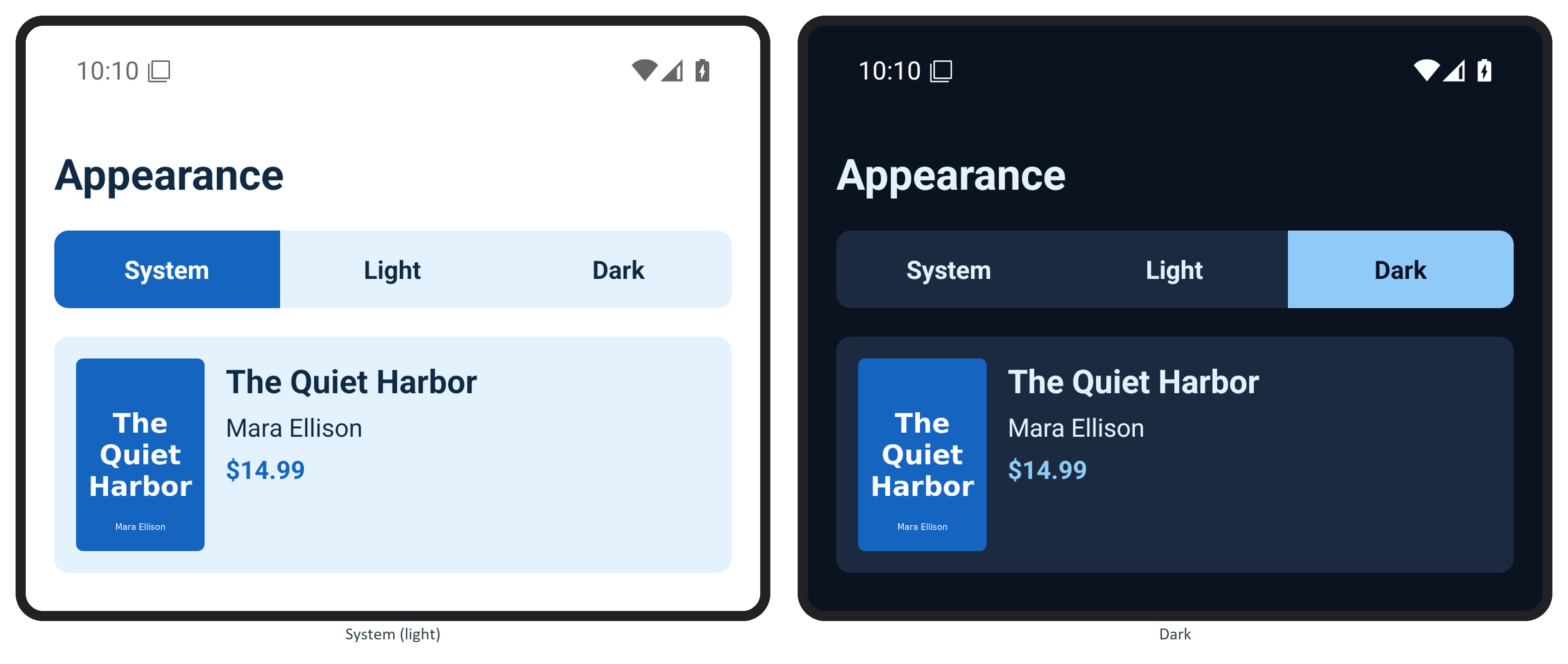
Back on System, the first render still saw the old override until the configuration change brought the light scheme. Light then held although the phone was dark. Android keeps the override in memory only, so store the choice (Storage and Native Modules) and call setChoice() again at startup.