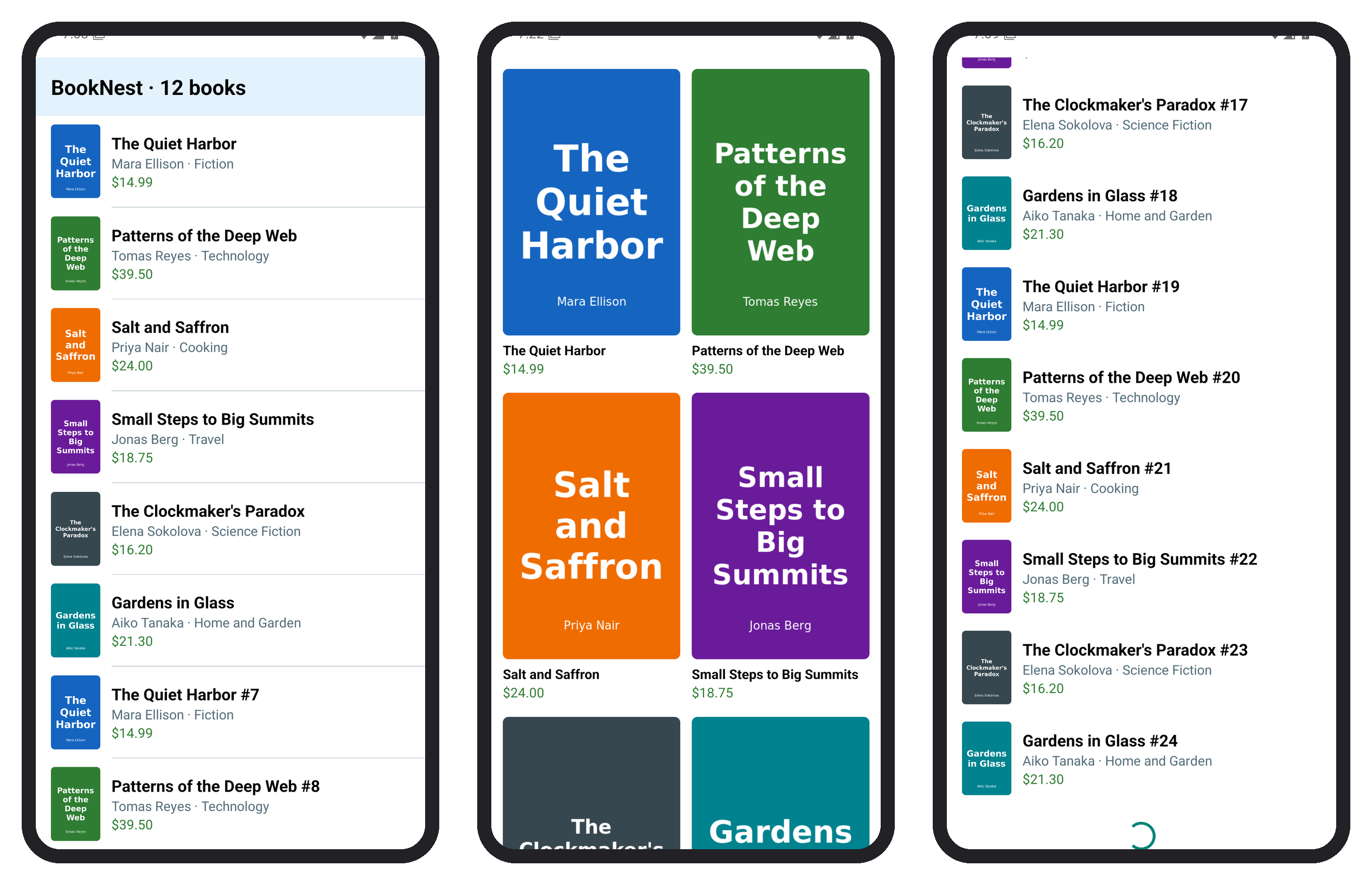
Give a FlatList both refreshing and onRefresh and it wraps itself in the RefreshControl of RefreshControl: pulling down calls onRefresh, and the spinner shows while refreshing is true. For infinite scroll, onEndReached fires when the unseen content below the viewport shrinks under onEndReachedThreshold screen heights (default 2). It can fire more than once for the same end, so guard the fetch with a ref:
  const loadMore = useCallback(async () => {
    if (busy.current || next.current > 3) return;       // four pages in all
    busy.current = true;
    setLoading(true);
    console.log(`onEndReached: loading page ${next.current}`);
    const page = await fetchPage(next.current++);
    setBooks((old) => [...old, ...page]);
    setLoading(false);
    busy.current = false;
  }, []);
// refresh() logs, sets refreshing, reloads page 0 and sets next.current to 1
    <FlatList data={books} keyExtractor={(b) => String(b.id)}
      renderItem={({ item }) => <BookRow book={item} />}
      onEndReached={loadMore} onEndReachedThreshold={0.5}
      refreshing={refreshing} onRefresh={refresh}
The screen opened, three fast swipes up reached the end, and swipes down to the top ended in a pull:
 LOG  onEndReached: loading page 0
 LOG  onEndReached: loading page 1
 LOG  onEndReached: loading page 2
 LOG  onEndReached: loading page 3
 LOG  onRefresh: reloading page 0
 LOG  onEndReached: loading page 1
The empty list fired onEndReached at once, and page 0 left the end still in reach, so page 1 followed without a swipe. The footer shows an ActivityIndicator while a page loads (right screen). After the refresh, the short list again triggered page 1: design the first page to fill more than a screen.